









DOWNLOAD IS NOT SUPPORTED IN WEB STORE!
Use the latest version of 9Apps to download APK&OBB file of games in one click!
DOWNLOAD 9APPS
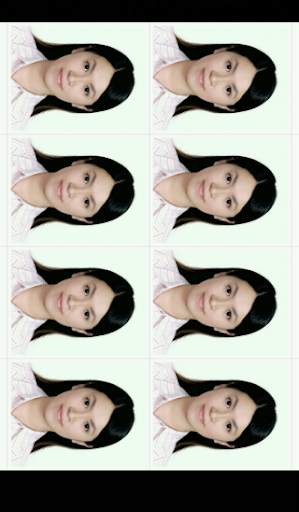
- Minor adjustments will be able to cut out the desired document format is
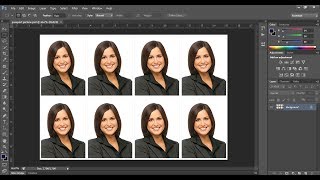
- Output image format is JPEG, printable (300 DPI)
How to use:
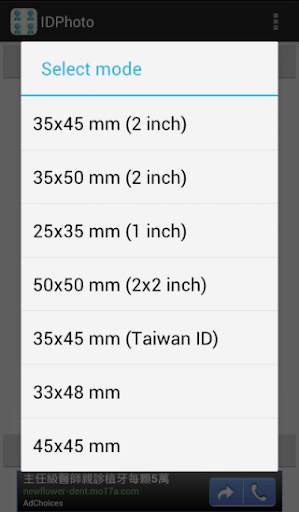
1 Select "ID format"
* 35 x 45 mm (2 inch)
* 35 x 50 mm (2 inch)
* 25 x 35 mm (1 inch)
* 50 x 50 mm (2 x 2 inch)
* 35 x 45 mm (Taiwan ID)
* 33 x 48 mm
* 45 x 45 mm
* 40 x 50 mm
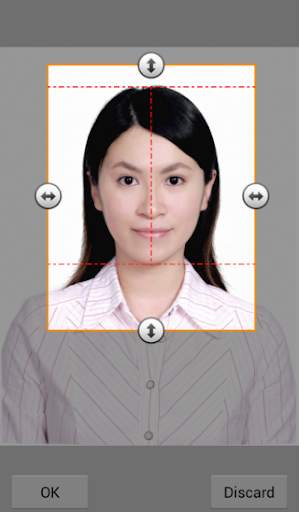
2 Press "Open", select a picture from the album
* The program automatically lock the face
* Reference line with different format: head / chin / center
* Fixed aspect ratio according to the different formats
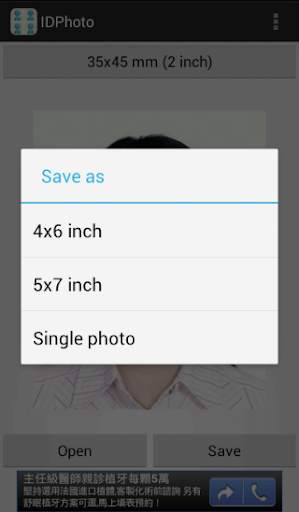
3 Press "Save", select the output format
* 4" x 6"/ 5" x 7" (provide cutting line)
* Single Image
Keyword:
ID Photo, idphoto