












DOWNLOAD IS NOT SUPPORTED IN WEB STORE!
Use the latest version of 9Apps to download APK&OBB file of games in one click!
DOWNLOAD 9APPS


HQ Status Saver let you save viewed status
on your Gallery in very simplified way.
How to Use?
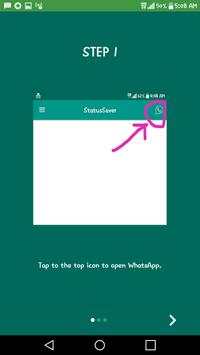
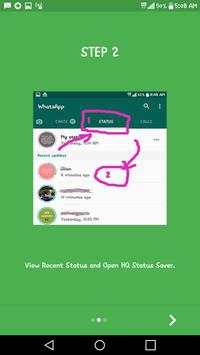
1 - Open HQ Status Saver, then click on WhatsApp icon to open it then Check the Desired Status or Story on WhatsApp.
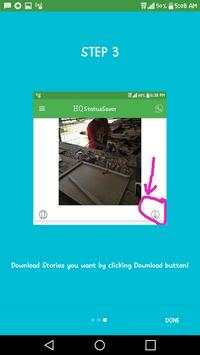
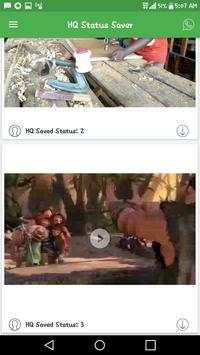
2 - Open HQ Status Saver, Click on Download button Just below each status...
3 -The Image, GIF or Video is Instantly saved to your Gallery the instant you click on download button.
4.Enjoy saved media files on your Gallery.


