DOWNLOAD IS NOT SUPPORTED IN WEB STORE!
Use the latest version of 9Apps to download APK&OBB file of games in one click!
DOWNLOAD 9APPS
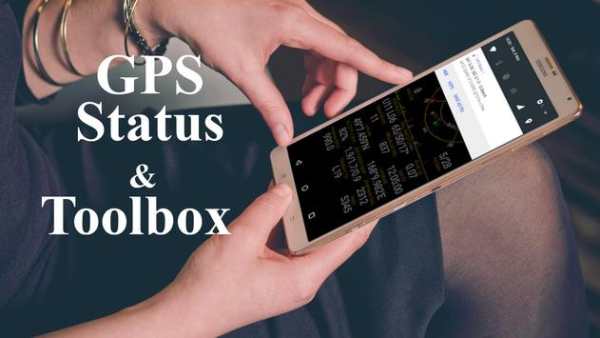


GPS Status & Toolbox application can be used to check GPS coordinates and where your address is.
Displays GPS parameters including: satellites, satellite's wavelength, direction and angle to the horizon, geographic compass, elevation of the measurement point, coordinates of the measurement point
Support for change to all common reference systems in the world, including UTM or geographic coordinates of VN2000, HN72.
The advantages of using this app are listed below.
-. Check the GPS coordinates and address of your current location
-. Check the compass weaknesses.
-. Check your current location on Google maps.
-. Share GPS coordinates and your current location of Google map links for other apps. (Email, SMS, Messenger, SNS)
-. Check the GPS function of the device.
PRO features:
- show/store/edit multiple waypoints and use them on the Radar for navigation.
- pressure, rotation, temperature, humidity values (if supported by the device)
- removed ads
How to use
1. Turn on the GPS function in the device settings menu.
2. Check the compass.
※ If the compass direction of the application is an error, move the devices in an 8-digit pattern and rotate around the axes.
3. Check & Share GPS coordinates and address of your current location.
4. When you click the GPS icon, your current location in Google Maps will appear.
Free lifetime application installer.