
![Best Video to Gif Converter [High Quality] screenshot 2](https://i.ytimg.com/vi/xr-QAqptMpw/mqdefault.jpg)












DOWNLOAD IS NOT SUPPORTED IN WEB STORE!
Use the latest version of 9Apps to download APK&OBB file of games in one click!
DOWNLOAD 9APPS

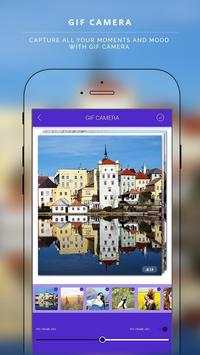
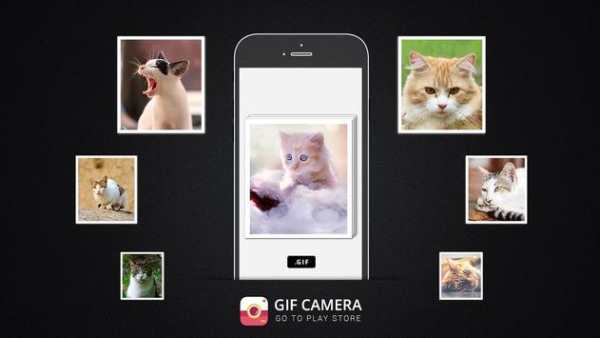

Capture all your moods with
GIF Camera.
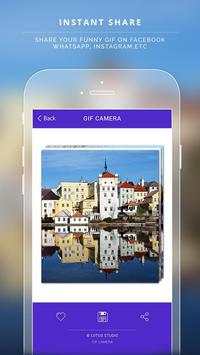
Very easy way to create gif from Camera. You can share it on social media like WhatsApp, Instagram, Twitter, Facebook, etc.
Edit your gif by frames.
Features
# One Click gif camera.
# Auto and Manual mode for more comfort.
# Easy Video to gif maker.
# Edit by sheet.
# frames per second setting.
# Animated GIF camera.
# GIF size settings.
How to use
1. Click capture button to start gif making.
2. Set auto/manual mode :
Auto mode will create gif from camera directly.
Manual mode allows you to select one sheet then after selecting all sheets, will make a gif.
3. Easily change back camera to front and vice versa.
4. Edit frames by removing or keeping a frame for gif.
5. Set Frames per second as per your need.
6. If you want to reverse gif then just on the toggle.
7. It will create gif very fastly.
8. Save gif to SD Card.
9. Share gif with your friends on social network.
Keywords
GIF Camera, Photo to GIF, Video to GIF, GIF Maker, GIF loop video, Animated GIF Maker.


