











DOWNLOAD IS NOT SUPPORTED IN WEB STORE!
Use the latest version of 9Apps to download APK&OBB file of games in one click!
DOWNLOAD 9APPS

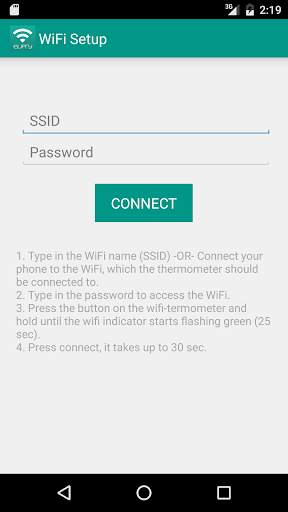
This app; Eupry WiFi Setup is for connecting your Eupry WiFi Termometer & Logger to your own WiFi.
There is only few steps, and you are up running;
1. Type in the WiFi name (SSID) -OR- Connect your phone to the WiFi, which the thermometer should be connected to.
2. Type in the password to access the WiFi.
3. Press the button on the wifi-termometer and hold until the wifi indicator starts flashing green.
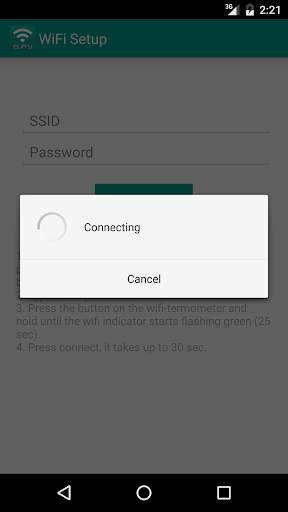
4. Press connect, it takes up to 30 sec.
Now, start the app; Eupry Logger (which you can download here on Google Play) and follow the temperature and much more.
You can as well login at eupry.com


