
DOWNLOAD IS NOT SUPPORTED IN WEB STORE!
Use the latest version of 9Apps to download APK&OBB file of games in one click!
DOWNLOAD 9APPS


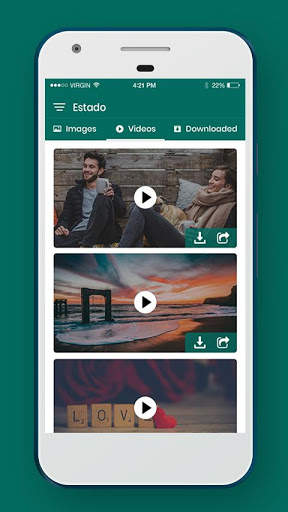
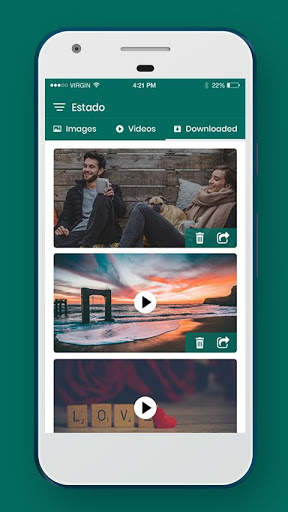
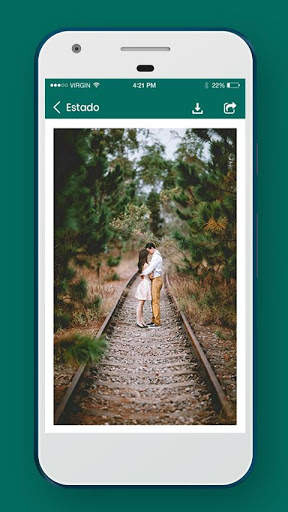
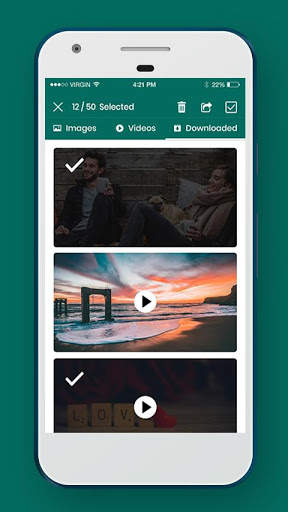
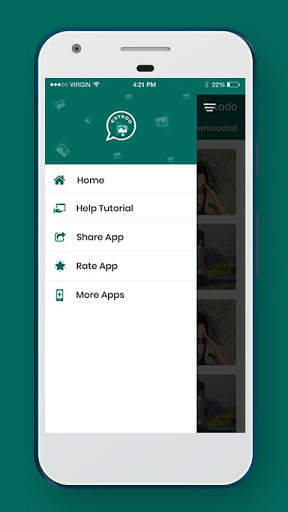
An application to download images/videos from WhatsApp status
Steps to use:
1. Open WhatsApp and View status
2. Now, open Estado app and all media files will be available from viewed status
3. Select category - Images/Videos. By default, Images category will be selected
4. Select All images from checkbox available on header. You can also select specific image by long pressing on it.
5. Click on download icon on header to save selected images
6. Go to Saved tab and all saved images/videos will be available. Select specific images/videos and share it


Minor Bug(s) Fixed