











DOWNLOAD IS NOT SUPPORTED IN WEB STORE!
Use the latest version of 9Apps to download APK&OBB file of games in one click!
DOWNLOAD 9APPS

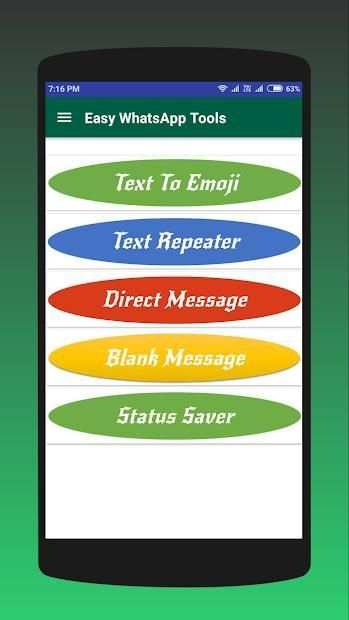

How to use:
* Download and Open Easy WhatsApp Tools
* Give Permission to access Device Storage
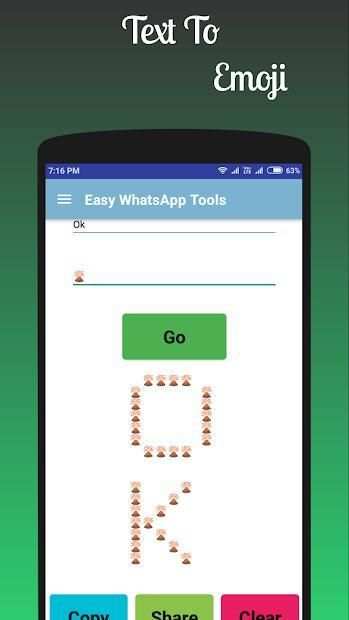
Text to Emoji
* Click on Text To Emoji.
* Add Your Text & Emoji then Click to ‘Go’ button
* You can copy or share the same
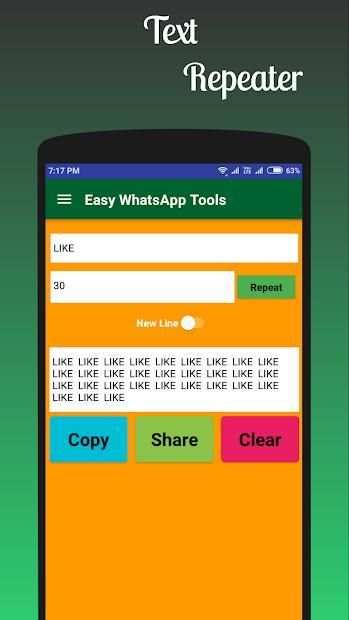
Text Repeater
* Click on Text Repeater.
* Add Your Text & number of times to repeat and Click to ‘Repeat’ button
* You can copy or share directly to WhatsApp user
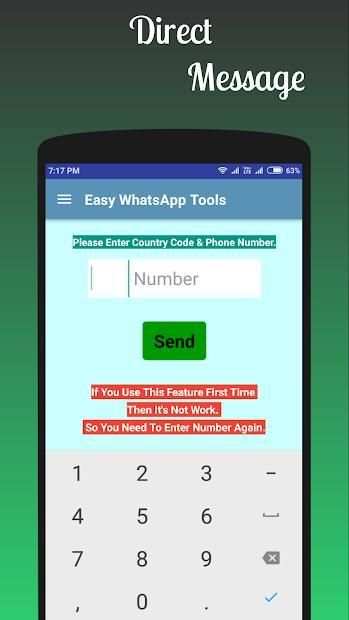
Direct Message
* Click on Direct Message.
* Enter mobile number with country code and click on send
(If you can use this feature first time then it’s not work, so you need to enter number again)
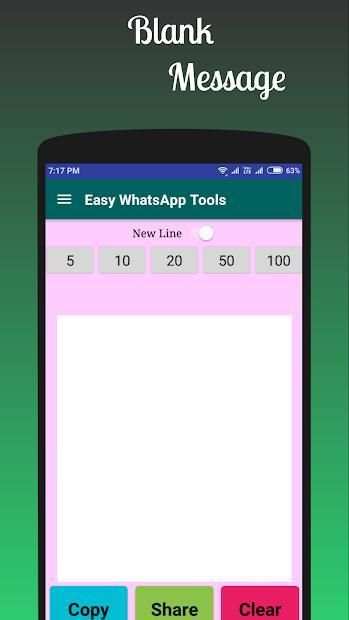
Blank Message
* Click on Blank Message.
* You can add blank lines as per requirement
* You can copy or share directly to WhatsApp user
Status Saver
* Click on Status Saver (Open WhatsApp Messenger & Watch All Status.)
* Save Status Photos and Videos
* Downloaded status is now available on your gallery
Features:
✔ Simple and sleek design
✔ Easy to Use
✔ Text to Emoji
✔ Repeat Text
✔ Blank Message
✔ Direct Message
✔ Status Saver
✔ Built-in stories gallery
✔ Easy to see all your WhatsApp content
Note - This app is not associated with WhatsApp. WhatsApp is a registered trademark of WhatsApp Inc. All the app data belongs to the respected owners, we Just Edited this app and Published to Audience for Entertainment Purpose, if you wish to remove this, please contact us directly through email




Text to Emoji
Text Repeater
Direct Message
Blank Message
Status Saver


