









DOWNLOAD IS NOT SUPPORTED IN WEB STORE!
Use the latest version of 9Apps to download APK&OBB file of games in one click!
DOWNLOAD 9APPS
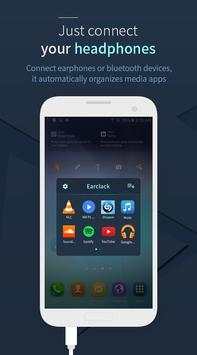
Just plug in your music devices, and enjoy music, video
When you connect your headphone, earphone or bluetooth devices to smartphone, Earclack automatically organizes music, video applications folder or instantly runs selected application .
Features
• Earclack will improve your music, video apps accessibility in a simplest way
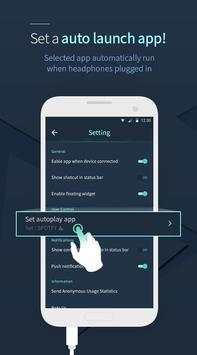
• Selected app automatically runs when headphones plugged in
• Widget and shortcuts in status bar give you quick access to music, video apps
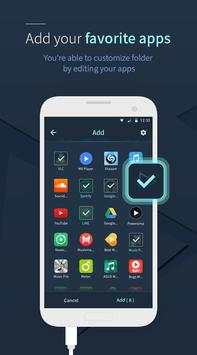
• Edit your favorite apps to optimized usability
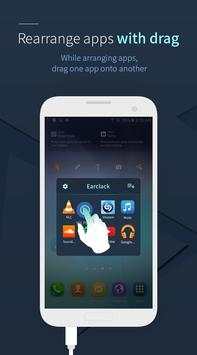
• Rearrange apps with long tap and drag in folder
Supported Apps
Earlack supports automatic organization of various music, video apps.
• Music : Shazam, Google Play Music, Pandora® Radio, Soundcloud, TuneIn Radio, Spotify, iHeartRadio, etc.
• Video : VLC, Youtube, MX Players, musical.ly, Livestream, Podcast Addict, Kodi,etc.
※ Some apps can be excluded to organize
User Feedback
We would like to hear from you. Please leave your feature requests, suggestions, and bug reports.
We will do our best to support you.
This update contains performance improvement
• Improved that is able to set autorun depending on connected devices
Setup : Setting > General > Enable app when device connected


