












DOWNLOAD IS NOT SUPPORTED IN WEB STORE!
Use the latest version of 9Apps to download APK&OBB file of games in one click!
DOWNLOAD 9APPS
** This app requires DisplayFusion 7.0 or higher be installed on your computer:
http://www.displayfusion.com
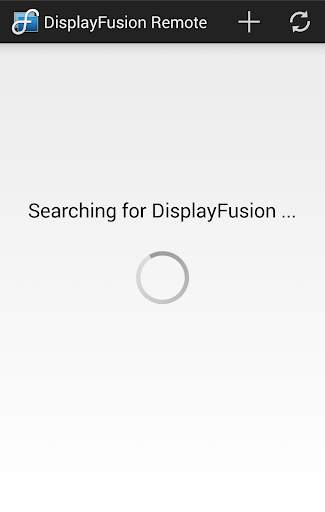
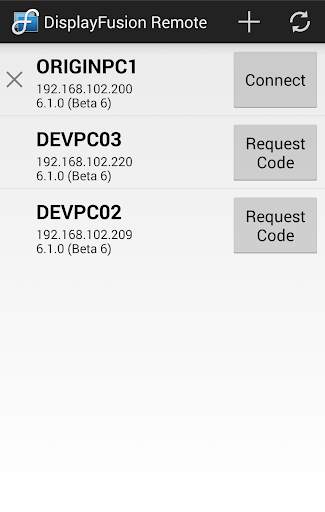
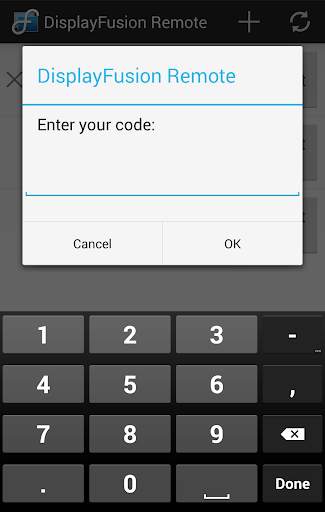
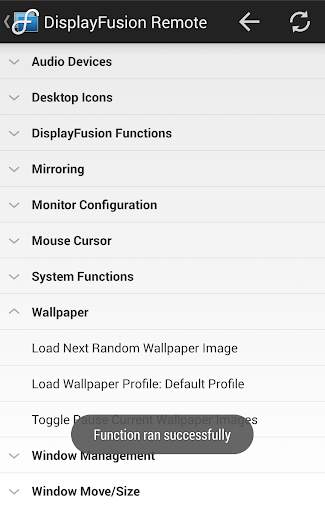
Remotely control DisplayFusion on your computer! Change your wallpaper, move windows around, enable/disable monitors and hundreds of other abilities, all from your phone or tablet! Includes full Android Wear support to control DisplayFusion from your Android Wear Watch.
Includes support for scripted functions, new in DisplayFusion 7! You can script a complete set of actions, save it as a scripted function and run it from your phone or tablet with one-click. It’s easy to setup and even easier to use!
- Trigger wallpaper changes
- Move and size desktop windows
- Enable/disable monitors
- Change default audio devices
- Toggle DisplayFusion features
- Script anything you can imagine using C# and VB.net
- Compatible with all Android Wear devices (square and round)
- Compatible with Tasker and Locale automation apps
- Much, much more!
- Fully compatible with Android Marshmallow
- Added an About button in the menu
- Resolved an issue where the software keyboard stayed open after DisplayFusion Remote was closed


