
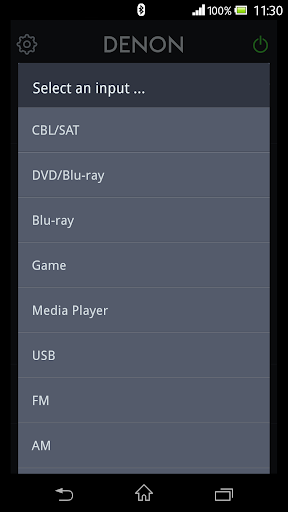
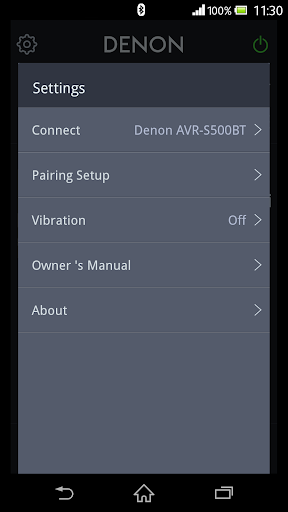
Say hello to the Denon 500 Series Remote! This new App will give you an unprecedented level of command and control over your Denon 500 Series Bluetooth AV Receivers.
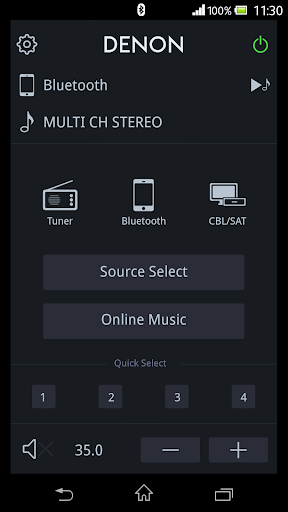
Control the basic functions of your Denon with power, volume, input, sound mode selection, Tuner and Playback of music in your mobile device or USB memory.
The app launcher function provides easy access for your favorite music service application.
With the Denon 500 Series Remote, your Android device just became an integral part of your home entertainment experience.
'Main Feature:
•Power On/Off, Volume Up/Down, Mute On/Off,
•Input Selection, Sound Mode Selection
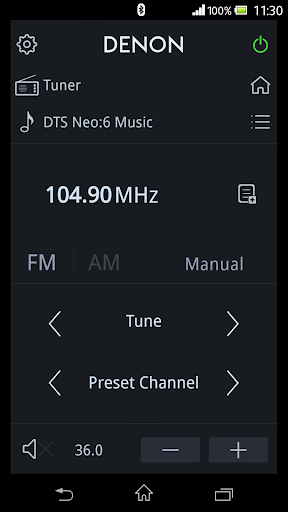
•Tuner control (Band Selection, Tune Up/Down, Preset Up/Down, Preset Call/Memory)
•Quick Select Call or Memory(Long Press)
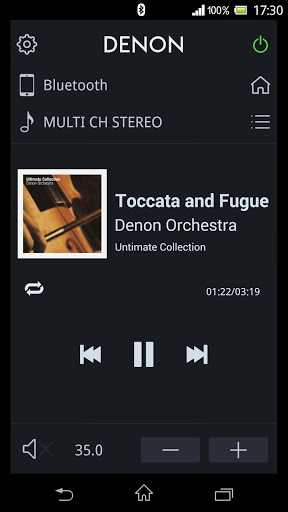
•Music Player for Internal Music files of your mobile device
•Browse and Playback Control for the USB memory which is connected to AVR
•Launcher for other applications
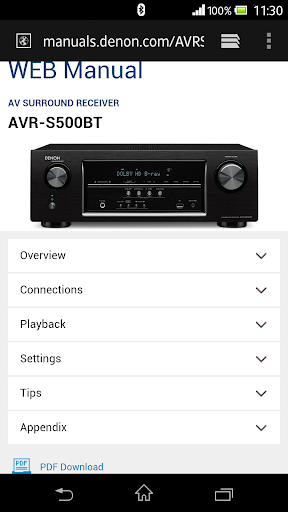
•Web Manual Link
•Multi-Language Support (English, French, German, Spanish, Dutch, Italian, Swedish, Japanese, Simplified Chinese, Russian and Polish. The OS language setting is automatically detected; when not available, English is selected.)
Compatible models: (Product availability varies depending on regions.)
[North America]
Bluetooth AV Receiver: AVR-S500BT, AVR-S510BT, AVR-S530BT, AVR-S540BT
[Asian Countries] Product availability varies depending on regions.
Bluetooth AV Receiver: AVR-X510BT, AVR-X520BT, AVR-X540BT, AVR-X550BT
* Not compatible with Denon models other than those listed above.
Note:
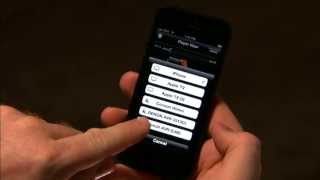
Before you use this app, please pair your Bluetooth device with your AVR.
Compatible Android devices:
•Android Smartphones with Android OS ver.4.0(or higher)
•Screen resolution: 800x480, 854x480, 960x540, 1280x720, 1280x800, 1920x1080, 1920x1200, 2048x1536
* This application does not support smartphones in QVGA(320x240) and HVGA(480x320) resolution.
Confirmed Android devices:
Samsung Galaxy S5 (OS 6.0.1), Samsung Galaxy S6 (OS 7.0), Samsung Galaxy S7 Edge (OS 8.0.0), Samsung Galaxy S8 (OS 8.0.0), Samsung Galaxy S9 (OS 8.0.0), Google Pixel 2 (OS 9)
Caution:
We do not guarantee that this application works with all Android devices.



![FINALLY Pair & Connect Your Phone! Denon AVR-X520BT Bluetooth Guide (Android) [EASY STEPS] screenshot 4](https://i.ytimg.com/vi/d9BXITM6Iqc/mqdefault.jpg)


9Apps 4.9













