
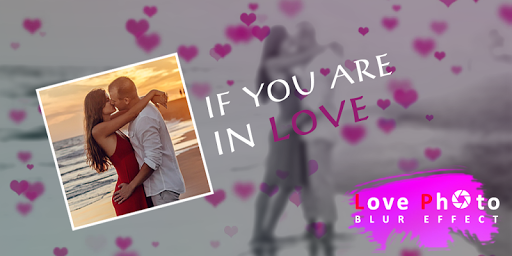
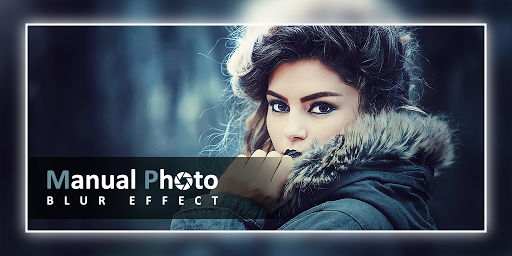
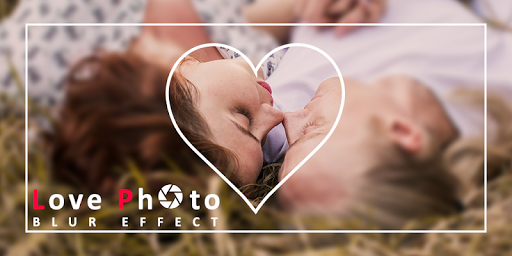
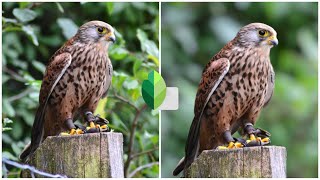
DSLR Blur allows you to create amazing blur background,for this you don't need any dslr camera.Just click camera or gallery button and take amazing photo and apply blur effect.
Here two types of DSLR Blur Effect available :
- Manual Blur
- Shape Blur
Manual Blur:
It will allows you to take photo from gallery or camera and allows you to apply blur background manually by your finger touch.you can apply blur effect and also you can remove blur effect from picture.
Shape Blur:
Using Shape blur you can apply shape blur which blur area outside of shape or inside shape.there lot's of shapes available to apply on image which will make your photo just awesome.
Feature :
- Take photo from gallery or camera.
- Crop unnecessary part of image if needed.
- apply blur and add amazing shapes.
- adjust blur level using seekbar
- check,uncheck for apply or remove border of shape .
- Now click save button.
- save, share and enjoy amazing professional photo by sharing friend,family and colleague.
Enjoy app..
- Improved User Interface



9Apps 4.9















