











DOWNLOAD IS NOT SUPPORTED IN WEB STORE!
Use the latest version of 9Apps to download APK&OBB file of games in one click!
DOWNLOAD 9APPS
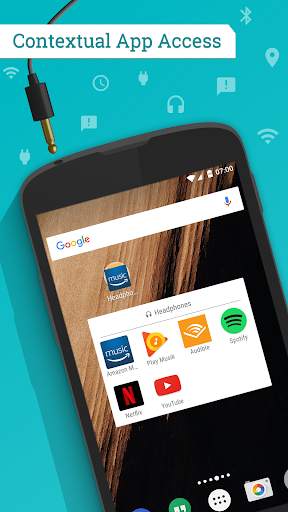
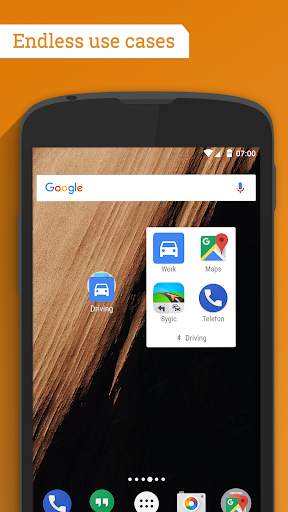
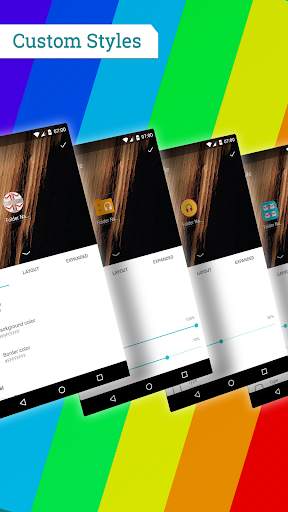
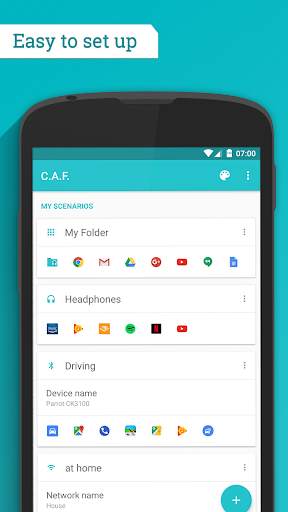
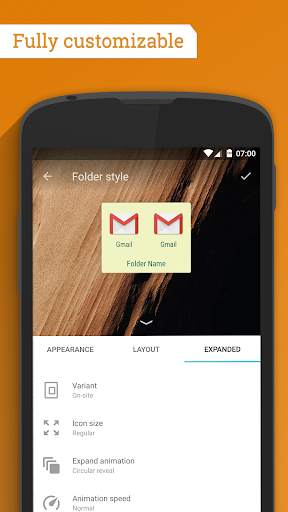
Create contextual app folder on your home screen and get quick and easy access to your apps and shortcuts just when you need them.
Use Cases:
• Your sport tracking apps become available once you reach your gym or running location
• Your folder contains your music apps once a headset is plugged in to your device
• Navigation apps are easy to access once your phone is connected to your car via Bluetooth
Main Features:
• 10 different trigger
• Various styles and color options
• Works on top of your existing launcher
• Modern, intuitive user interface (Material Design)
✔ Custom Scenarios
A wide range of triggers makes it possible to cover most common use cases. Available are: Headphones, GEO Location, Wi-Fi, Bluetooth, Combined, Charging, Calling, Tasker and App-Notification
✔ Fully Customizable
Choose between several folder styles and colors to match the look of your current app folders or create your own unique style
✔ High Compatibility
C.A.F. works on top of your existing launcher, so you can continue to enjoy the benefits of your existing launcher and enhance it with contextual features.
✔ Advanced Options
Set custom priorities or group your scenarios using profiles to further personalize the behavior of the app.
✔ Combined Trigger
Unlock the combined trigger to create complex scenarios using 2 different trigger and combining them with one of three logical operators (AND, OR, AND NOT).
Suggestions? Feedback? Join our Google Community or contact us at: info@ts-apps.com
1.0.1 Changelog:
- Fixed nova config import
- Several minor bugfixes and stability improvements
If you like this app then feel free to leave us a rating
and share it with your friends and family. Thanks!


