










DOWNLOAD IS NOT SUPPORTED IN WEB STORE!
Use the latest version of 9Apps to download APK&OBB file of games in one click!
DOWNLOAD 9APPS

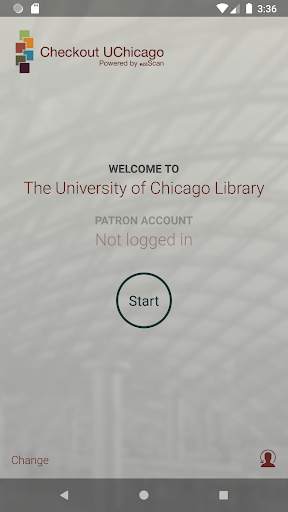
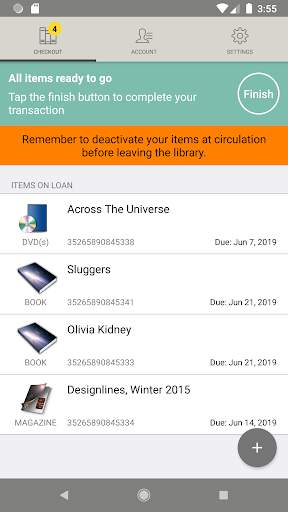
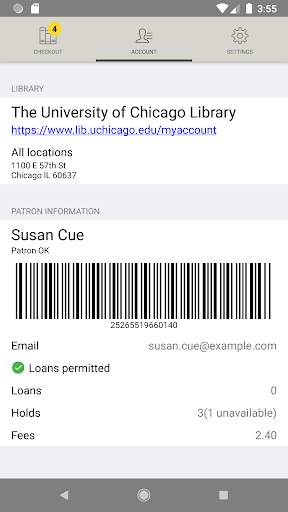
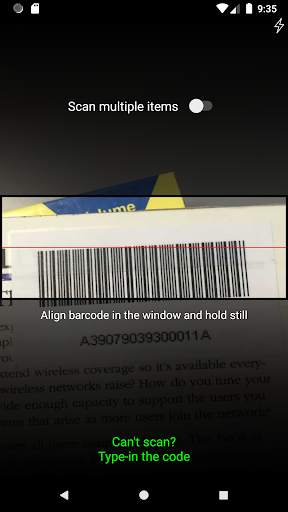
Self-checkout for University of Chicago Library users. Checkout UChicago is a fast, easy way to borrow library items on campus. No need to carry your books from Circulation to your locker. Simply scan your books with your phone or tablet.
• Check out University of Chicago Library items using your phone
• Fast, easy, and convenient
• Check out books for your Regenstein locker
Checkout UChicago lets UChicago students, faculty, staff, and others with borrowing privileges check out material from the University of Chicago Library using the camera on their phones.
To enable the app once downloaded, scan or enter your library barcode (on the back of your UChicago ID) and enter your last name. In the checkout screen, use the “ ” button to check out library items. Touch the “Finish” button when done. No further action is needed if you wish to store your loans in a locker or faculty study within the library. If you want to leave the library with your items, deactivate your materials at the Deactivation Station at the Regenstein circulation desk. At other campus libraries, ask circulation staff to assist with deactivation. For more information, go to lib.uchicago.edu/h/checkout.


Thanks for using Checkout UChicago! To make our app better for you, we bring updates to the App Store regularly.This update also includes minor usability improvements and bug fixes.


