









DOWNLOAD IS NOT SUPPORTED IN WEB STORE!
Use the latest version of 9Apps to download APK&OBB file of games in one click!
DOWNLOAD 9APPS
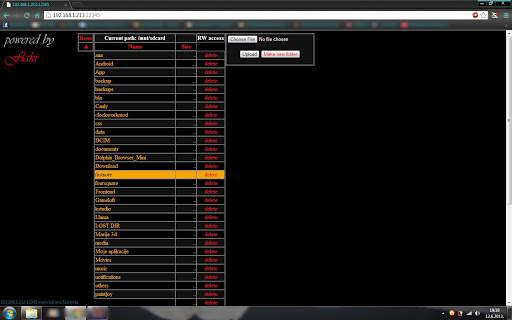
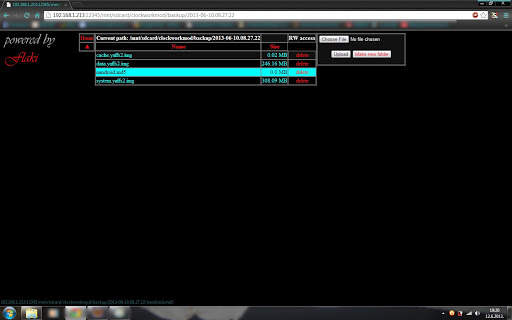
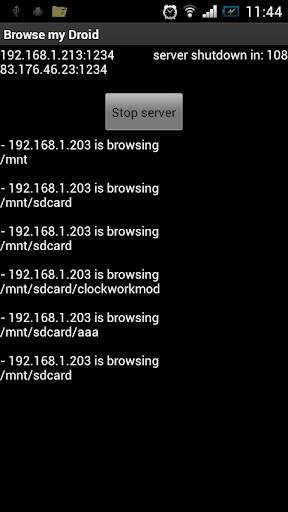
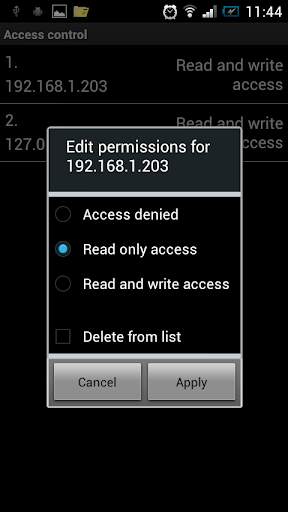
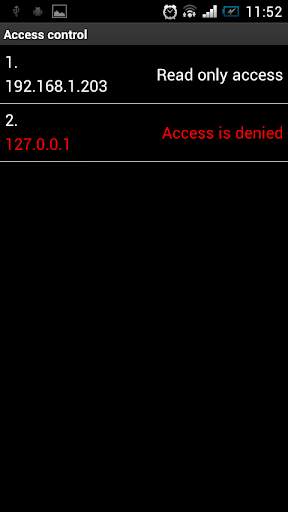
Explore, download and upload files to your android external storage (sd card) without plugging your device to your pc.
Just turn on your WiFi and start the server, enter the provided address in your browser, allow the access, and you're done.
No more USB cable.
It's working over 3g data too, but be careful because you might go over your data plan allowance.
You must allow the access to the network if you have installed any kind of firewall(droidwall or similar)
Do not use port 1234, it is picking up strange data and the file gets corrupted on upload.
best results are on the default 8080.


1.4.0
- New custom actionBar
1.3.1
- new ad library (small increase in size)
- added command (DELETEFOLDER) type on end of address and it deletes the current folder and subfolders - without confirmation
1.2.0
- fixed Charset problems on some devices
- added thumbnails of video files
1.1.1
- added colors in log list
1.1.0
- added possibility for
image thumbnails in links
- added multiple client support (or multiple downloads and uploads at same time)
- code optimized


