
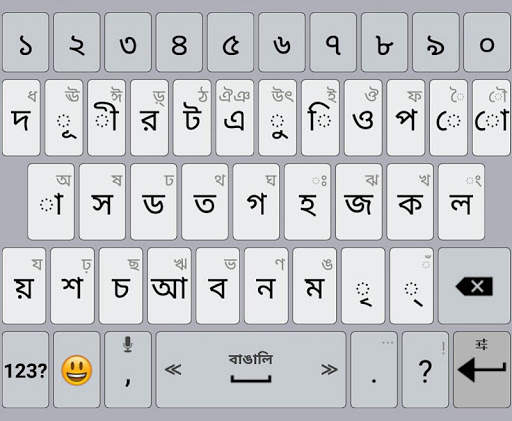
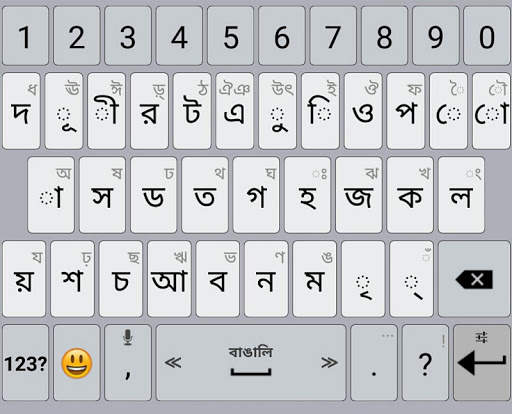










Bengali / AppsTech Keyboards icon

Bengali / AppsTech Keyboards

Version: 2
49.4KB 100,000+ 4.3 4.35 Reviews
Price: $0

Description Bengali / AppsTech Keyboards

For installing the Bengali Language Pack (Bangla), you have to Install an AppsTech's keyboard first, and then select the Bengali language from the keyboard settings.
To enter the keyboard settings, long press on the Enter button and then press on 'Languages'.

Show More Less

What's New Bengali / AppsTech Keyboards

Bengali Language Pack for AppsTech Keyboard

Information

PackageName icon
ID:
com.appstech.languagepack.bengali
category icon
Category:
update icon
Updated:
2023-11-25
version icon
Version:
2
requirements icon
Requires:
Android 2.1 or later
google play icon
Available on:
filesize icon
File size:
49.4KB

Reviews

avatar
avatar
avatar
avatar
avatar
avatar
DOWNLOAD IS NOT SUPPORTED IN WEB STORE!
Use the latest version of 9Apps to download APK&OBB file of games in one click!
DOWNLOAD 9APPS