












DOWNLOAD IS NOT SUPPORTED IN WEB STORE!
Use the latest version of 9Apps to download APK&OBB file of games in one click!
DOWNLOAD 9APPS



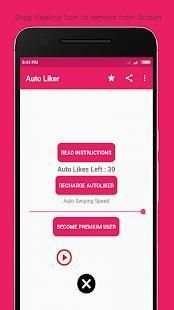
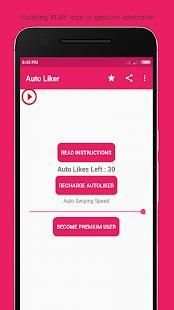
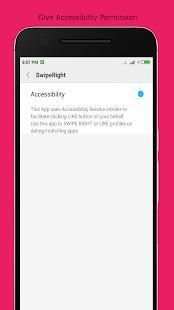
Tired of Swiping or Liking profiles on dating apps. Or maybe suffering from some disability that prevent swiping/liking smoothly?
Auto Liker is the perfect solution to automatically swipe right or auto like profiles.
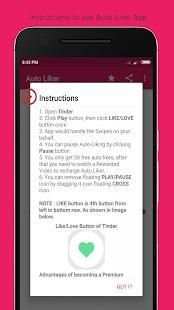
Instructions for using the app :
1. Give all the required permissions.
2. You would see floating "PLAY" icon on screen.
3. Open Tinder App.
4. Click "PLAY" icon.
5. Then click "LIKE/LOVE" button to Auto Like or "DISLIKE" button to Auto-Dislike.
6. Click "PAUSE" button to stop Auto-Liking/Disliking.
Note : Play/Pause Icon is gesture controller, This App copies the first click you do after clicking "PLAY" button. So you can Like/Dislike profiles by clicking PLAY button first and then LIKE/DISLIKE button once.
Watch Demo Video of this App : https://youtu.be/roEs6eApXkI
Features of this App :
* Small App Size
* Supports both Liking and Dis-Liking Profiles
* Extremely Simple User Interface
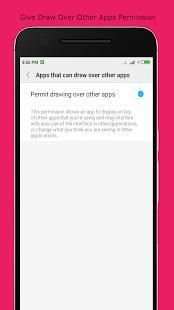
* Only two permissions are required - Accessibility permission and Draw over other Apps permission
Permissions that app asks :
* Accessibility Permission - This permission is required to swipe/like on your behalf.
* Draw over other apps - This permission is required to create a stop button over other apps, which you can click to stop the auto-liking/swiping.
In case of any question/query/suggestion, please write to us at vbplayapps@gmail.com
* Bug Fixes


