










DOWNLOAD IS NOT SUPPORTED IN WEB STORE!
Use the latest version of 9Apps to download APK&OBB file of games in one click!
DOWNLOAD 9APPS




Audio Video Mixer
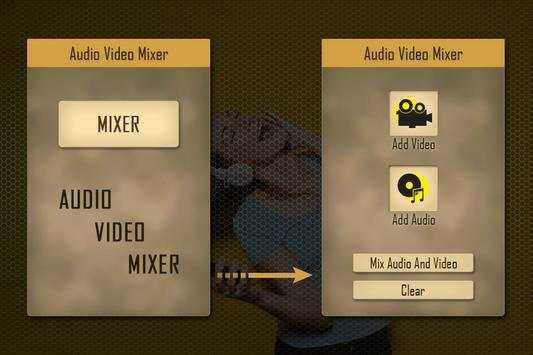
Audio Video Mixer is a simple application in android market to easily mix audios and videos.
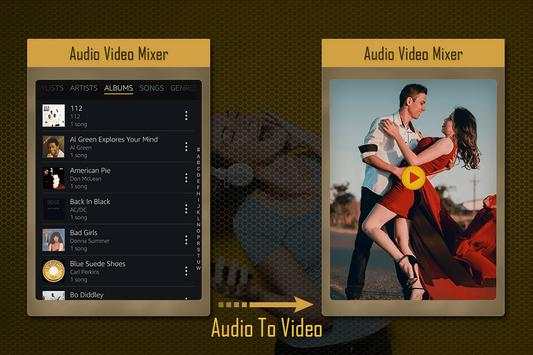
Many times we like audio of some video or video of some audio. Now easily cut your favorite video or audio and mix them Audio Video Mixer.
Just select your video from video gallery and cut by putting simply starting and ending point. Same way you can cut audio from music gallery and make new video with your favorite audio.
You can also extract audio from your favorite video and make this audio as your ringtone or add into other video.
How to cut video?
• Enter into Audio Video Mixer
• Select your video from video gallery
• Put starting and end point in video length
• Press “Trim Video”
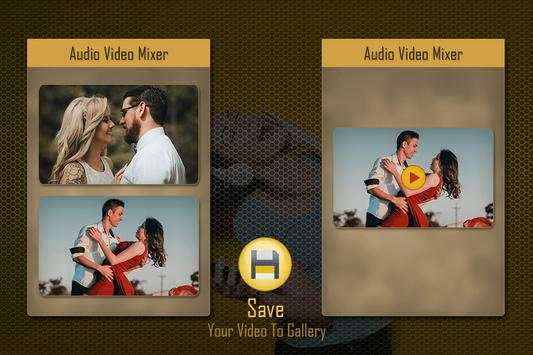
• See your trim video preview
• Click on Save to save your new video
How to Mix Audio?
• Open Audio Video Mixer
• Select your audio from music gallery
• Click on audio cutter
• Point out starting and ending point
• Click on Cut audio
• Listen your audio preview
• Save in to music gallery
How to Mix audio and video?
• Install and open Audio Video Mixer
• Click on add audio button
• Choose your video from mobile
• Select your video
• Click on mix button
• Save your new video
Audio Video Mixer supports all video and audio formats.


