

DOWNLOAD IS NOT SUPPORTED IN WEB STORE!
Use the latest version of 9Apps to download APK&OBB file of games in one click!
DOWNLOAD 9APPS

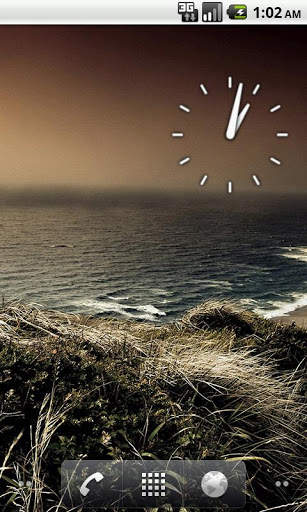

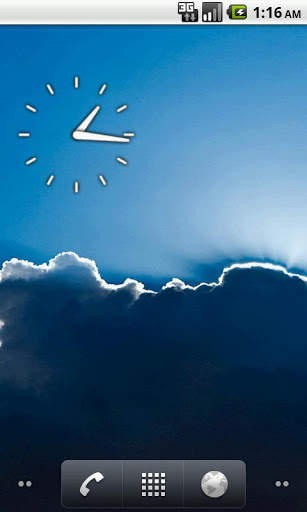
Analog Clock widget. Pressing this widget allows to set alarm clock. Setting alarm clock may be not available to some Android Devices. Every Manufacturer has different Standard Alarm Clock.
If you find an error or have any questions, write me an email.
After installation, you must manually add the widget to the home screen.
How to add widget to the home screen:
1.On your home screen of your Android device, tap any blank or "empty" area and hold down your finger.
2.The "Add to Home screen" window will appear. Tap on "Widgets".
3.List of all the installed Widgets on your Android device will appear.
4.Select the widget to add to your home screen.
Note: On Android Ice Cream Sandwich add widget by selecting icon widgets menu near apps menu.



Minor errors fix



Facebook Lite
4.02.5MB

Quikr: Homes, Jobs, Cars Etc
4.120.8MB

Dearmet: Video Chat, Live Talk
4.043.4MB

imo beta -video calls and chat
4.394.0MB

ShopClues
3.816.4MB

Offline Music Mp3 Player- Muso
4.535.9MB

Temple Run 2
4.4122.1MB

Candy Crush Saga
4.491.1MB

Mushroom Takeover
4.569.0MB

Talking Tom Cat
3.963.0MB