DOWNLOAD IS NOT SUPPORTED IN WEB STORE!
Use the latest version of 9Apps to download APK&OBB file of games in one click!
DOWNLOAD 9APPS
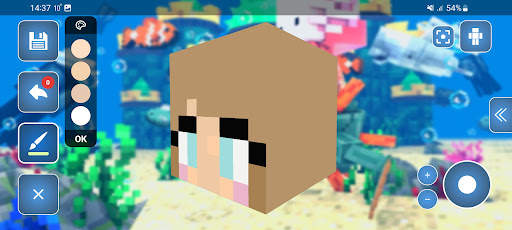
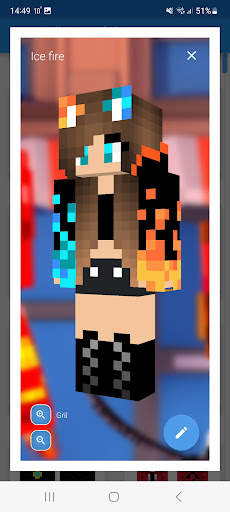
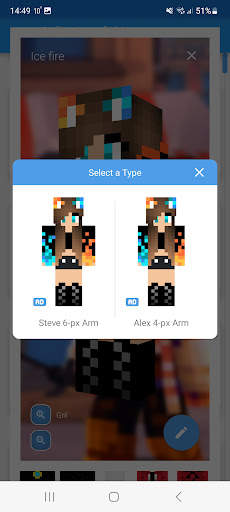
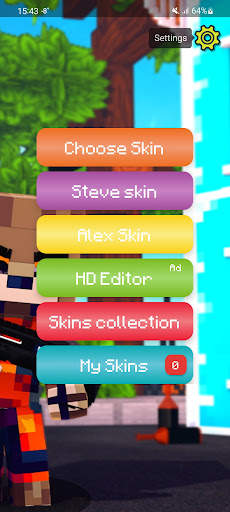
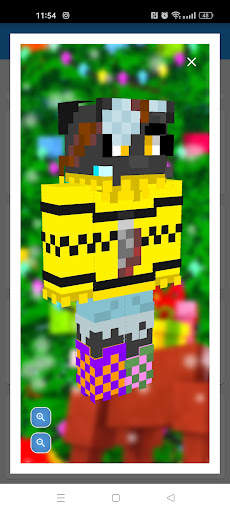
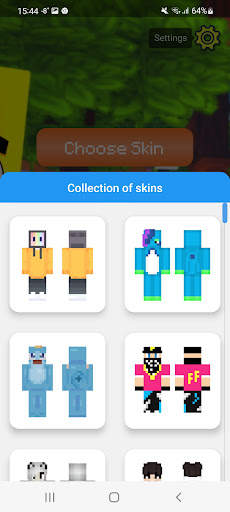
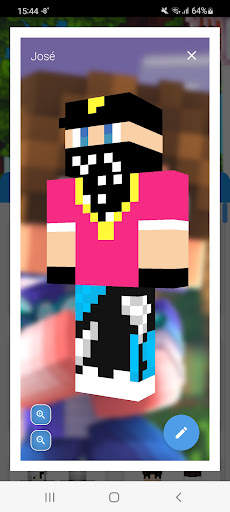
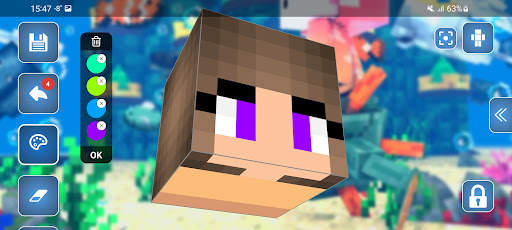
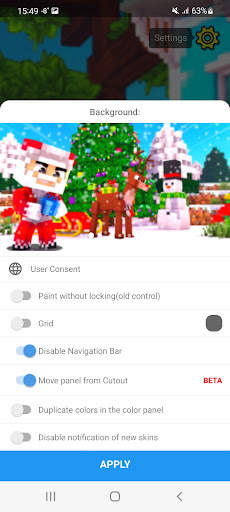
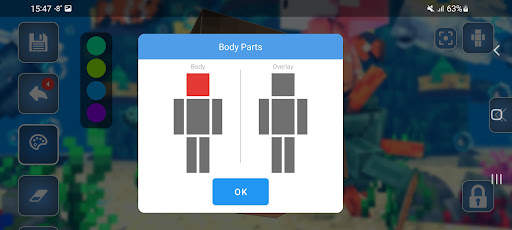
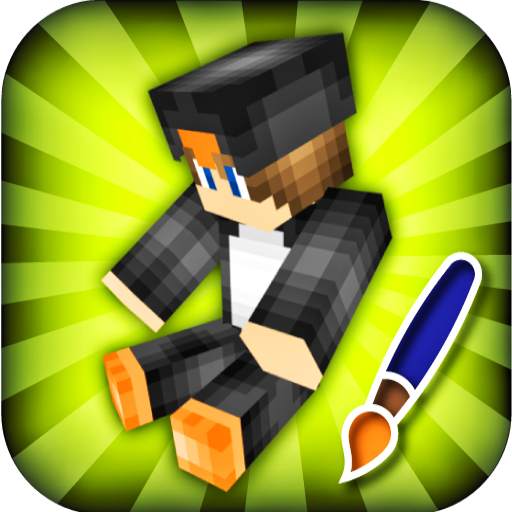
We present the 3D Skin Editor for Minecraft
Skin Editor is work with original Minecraft skins with a base resolution of 64x64 pixels.
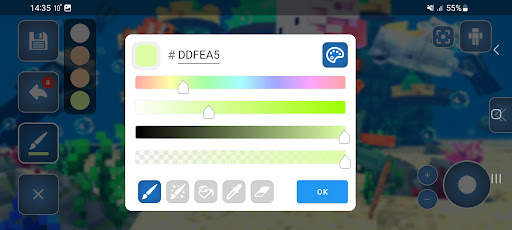
This editor has an RGB color palette with the ability to save a separate palette and sort colors.
Standard kits:
-pipette
-bucket
-brush
-eraser
-gradient (you can draw with colors from the palette)
Many mods support transparency of skins. The palette has an alpha channel (transparency).
Editing occurs by body parts, with the ability to select them. For convenience, arms or legs can be edited in mirror mode.
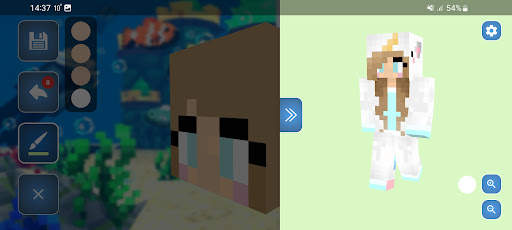
To see the full edited skin open the right side where you can set the background color, and set walk mode of the skin.
If you accidentally make a mistake and click on the wrong pixel, then the system of returning to the previous action will help you.
You can also change the editing background in the settings on the main screen or change the editing orientation, for example, from horizontal to vertical or disable the joystick so you can rotate part of the skin with your fingers.
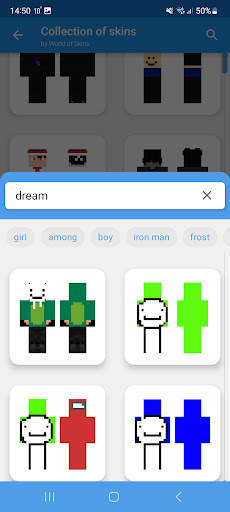
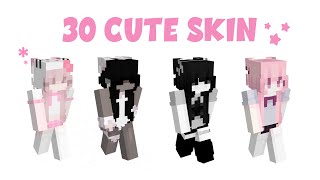
The application has a Skins Collection section, which contains skins from the World of Skins application, more than 200,000 skins on any topic with the ability to search. Once you find the skin there, you can edit it.
There is also a My Skins section, it contains your saved skins from the editor, where you can view them in more detail, change the type Alex or Steve abd install them in the game.
The application has autosave, it automatically saves your skin so that your editing progress is not lost. If you accidentally close the application, your progress will also be saved, but without the color picker
In addition the editor supports two layers of skins which allows you to add the details of the relief of your skin.
DISCLAIMER:
This is an unofficial application for Minecraft. This application is not affiliated in any way with Mojang AB. The Minecraft Name, the Minecraft Brand and the Minecraft Assets are all property of Mojang AB or their respectful owner. All rights reserved. In accordance with
https://account.mojang.com/documents/brand_guidelines



Fixed bug when was random pixel painting



Temple Run 2
4.4122.1MB

Candy Crush Saga
4.491.1MB

Quikr: Homes, Jobs, Cars Etc
4.120.8MB

Offline Music Mp3 Player- Muso
4.535.9MB

Facebook Lite
4.02.5MB

imo beta -video calls and chat
4.394.0MB

Stickman Fighting
3.059.6MB

ShopClues
3.816.4MB

Talking Tom Cat
3.963.0MB

Dearmet: Video Chat, Live Talk
4.043.4MB