












DOWNLOAD IS NOT SUPPORTED IN WEB STORE!
Use the latest version of 9Apps to download APK&OBB file of games in one click!
DOWNLOAD 9APPS

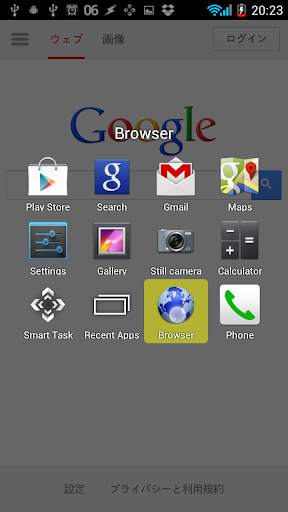
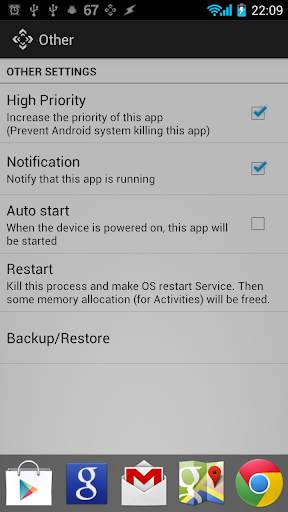
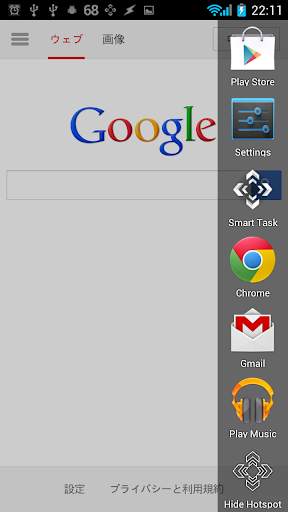
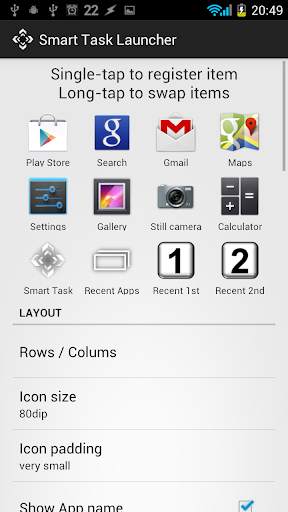
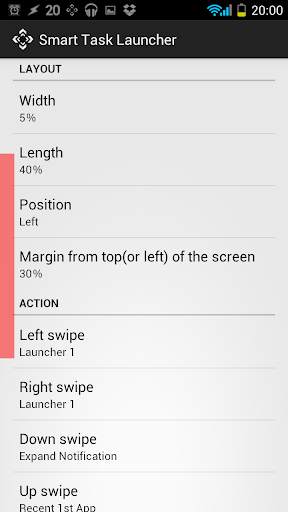
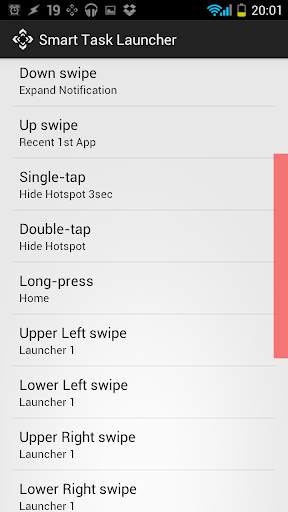
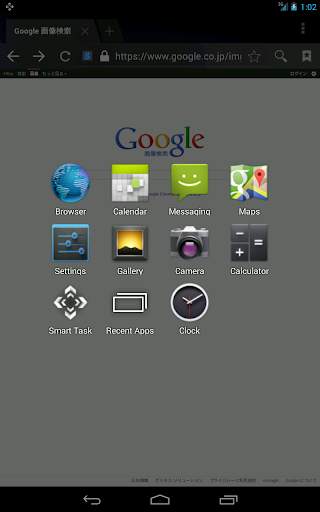
You can do most operations by moving your thumb slightly.
1. By touching Hotspot (the gesture area that are always visible on the screen), you can call the functions corresponding to the gesture.
2. By registering items to Launcher, you will be able to start them at any time quickly.
Gestures that can be registered in Hotspot
-> Five direction swipe
-> Single-tap
-> Double-tap
-> Long-press
Function that can be registered in each gesture and Launcher.
-> Open Launcher
-> Application, Shortcut, Widget
-> Open/Close Notification, SettingsPanel
-> Home
-> Recent Apps
-> Hide Hotspot
-> Hardware key
Notice
If you install "Smart Task Launcher PRO", additional Hotspot and Launcher are available.
If you have installed "Overlay Launcher PRO", additional Hotspot is available.
Usage of permissions
* Storage
- To backup/restore settings to SDcard.
* Other Application UI
- To put hotspot on screen.
* Your applications information
- To show recent used apps in launcher.
* Phone calls
- To call directly when you use "call directry shortcut".
Credit
* Александр Макриди (Russian language support)
== Version 1.6.0 ==
* Added features : "Lock Screen" and "Take Screenshot" in Function.
* Added configuration : "Hide hotspot when landscape"
* Hotspot's vibration time 1msec ~ 9msec added.


