










DOWNLOAD IS NOT SUPPORTED IN WEB STORE!
Use the latest version of 9Apps to download APK&OBB file of games in one click!
DOWNLOAD 9APPS

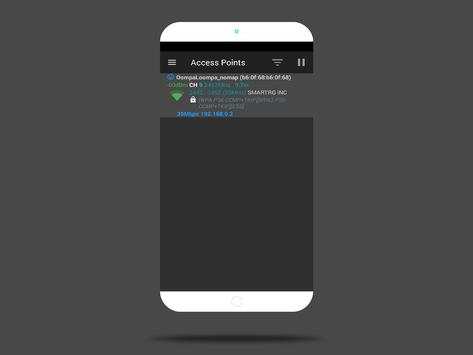
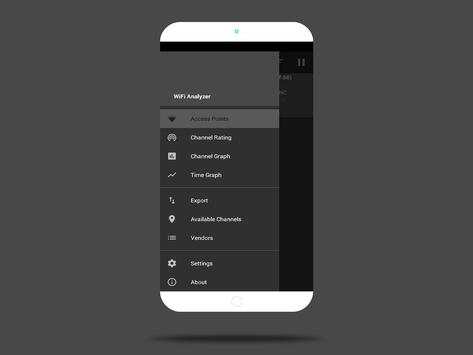
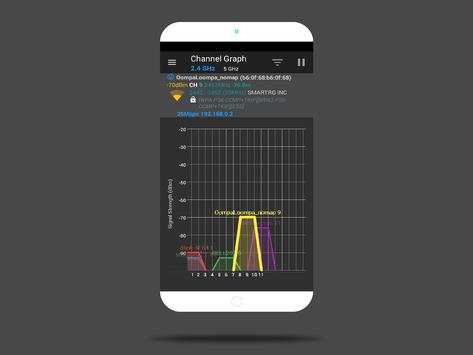
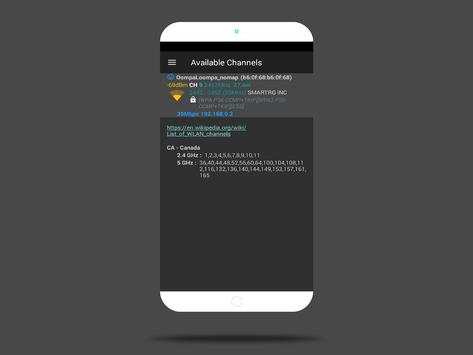
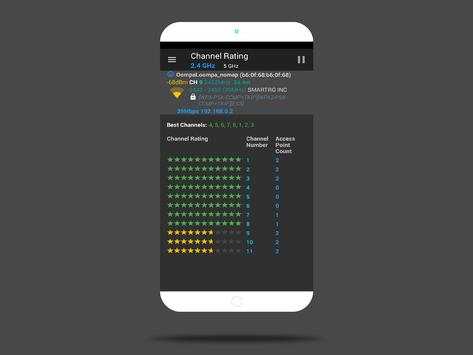
Optimize your WiFi network using WiFi Analyzer | IT Edition by examining surrounding WiFi networks, measuring their signal strength as well as identifying crowded channels.
Features:
- Identify nearby Access Points
- Graph channels signal strength
- Graph Access Point signal strength over time
- Analyze WiFi networks to rate channels
- HT/VHT Detection - 40/80/160MHz (Requires Android OS 6 )
- Access Point view complete or compact
- Estimated Distance to the Access Points
- Export access points details
- Dark or Light theme available
- Pause/Resume scanning
- Swipe left/right at the bottom of the screen to navigate to the next/previous screen
- Available filters: WiFi band, Signal strength, Security and SSID
Usage Tips:
- Tap the title bar to switch between 2.4 and 5 GHz WiFi band.
- Swipe to manually refresh screen content.
- SSID with (***) means it is hidden.
WiFi Analyzer | IT Edition is compatible with most Android phones and tablets, including but not limited to all devices from Samsung, Xiaomi, Sony, Moto, LG, TCL, HTC, Nexus, Pixil, Acer, BLU, Asus, Alcatel, ZTE, OnePlus One, and more….





Bug Fix's


