








DOWNLOAD IS NOT SUPPORTED IN WEB STORE!
Use the latest version of 9Apps to download APK&OBB file of games in one click!
DOWNLOAD 9APPS
Hello friends. How are you? Meet our new app, Flipper and make new friends or even that flirting now, download now: D https://play.google.com/store/apps/details?id=com.flipper
Application without any profit, created to make life easier when carrying out a smartphone internet connection to a computer with less than 10kb!
The Application is a simple shortcut to a fast internet access on your particular device such as computers and notebooks.
# Just plug your smartphone into a USB port on your computer
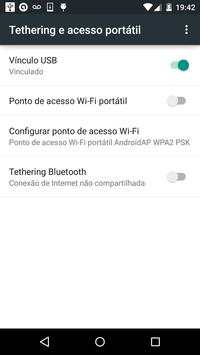
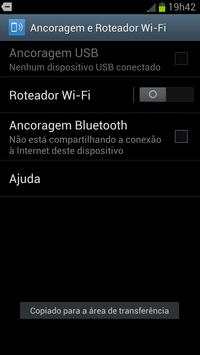
# Open the application and activate the USB tethering option, USB bond ... well varies with the manufacturer.
# Wait a few seconds and your internet connection the mobile device will be in your computer.
Tethering This technology can transmit and GPRG signal, 3G, 4G and WiFi for your computer.
should it not happen a connection, find out if your computer requires the driver for your android smartphone.



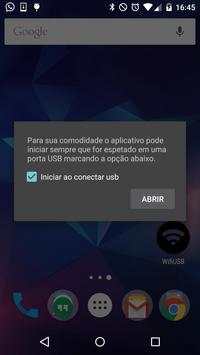
Option Start the USB plug


