











DOWNLOAD IS NOT SUPPORTED IN WEB STORE!
Use the latest version of 9Apps to download APK&OBB file of games in one click!
DOWNLOAD 9APPS

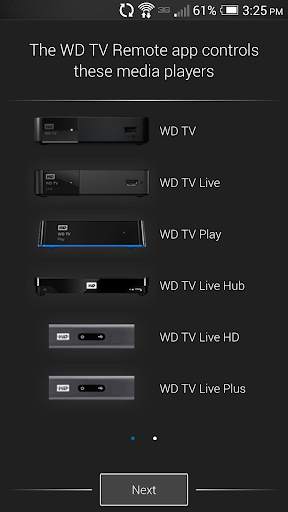
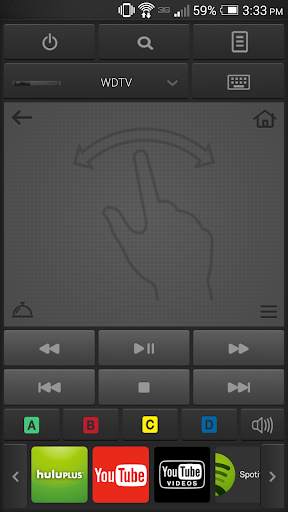
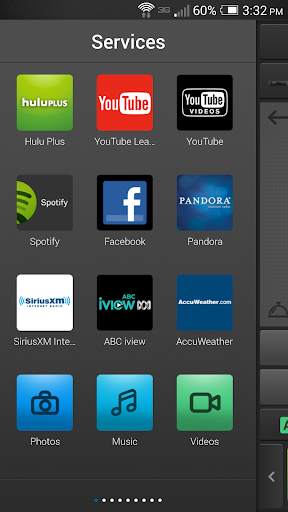
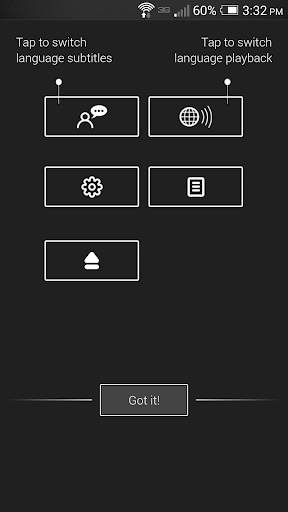
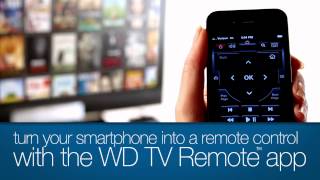
Turn your smartphone into a touch-screen remote for your WD TV® Live Hub™, WD TV Live™ or WD TV Play™ media player.
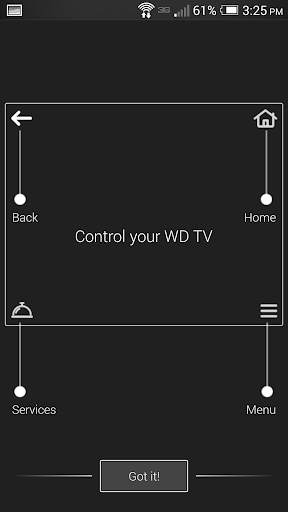
Control your WD TV experience with the tap of a soft key or the swipe of a finger using the WD TV Remote™ app. Simply launch the app on your Android™ mobile device and instantly take control of any WD TV Live Hub, WD TV Live or WD TV Play that is connected on the same network.
Key Features:
• Control your WD TV from anywhere in your house using your wireless network
• Get one-touch access to launch any online service available on your WD TV
• Enter text using your Android smartphone or tablet keyboard
• Use the gesture pad for quick and easy navigation
• Connect multiple Android mobile devices with the WD TV Remote app and conveniently play multiplayer games
Minimum Requirements:
• Android device running mobile operating system version 4.0 or higher
• WD TV Live Hub media center, WD TV Live or WD TV Play media player with the latest firmware.
• WD TV Live Plus with firmware version 1.06.42 or later and WD TV Live HD media player with firmware version 1.06.43 or later.
• Wireless access to your WD TV media player on your network (Your media player may be connected to your network via Ethernet port or wirelessly)
Like us on Facebook: facebook.com/WesternDigital
Follow us on Twitter: @WesternDigital
- Bug fixes
- Classic Keyboard Option


