









DOWNLOAD IS NOT SUPPORTED IN WEB STORE!
Use the latest version of 9Apps to download APK&OBB file of games in one click!
DOWNLOAD 9APPS

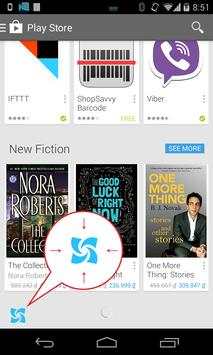
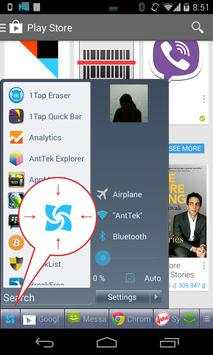
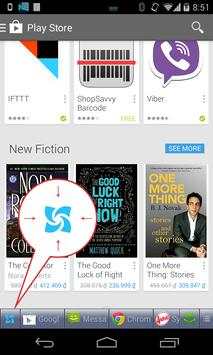
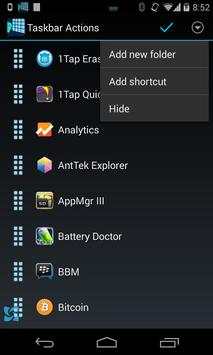
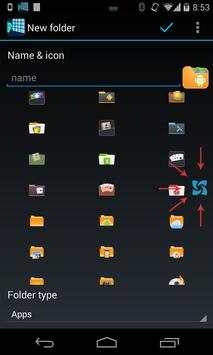
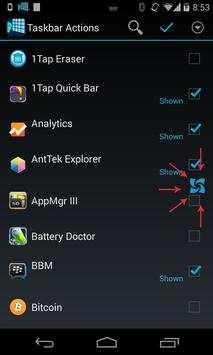
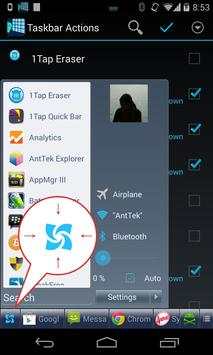
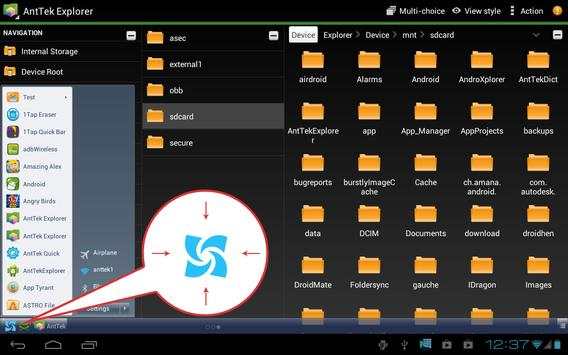
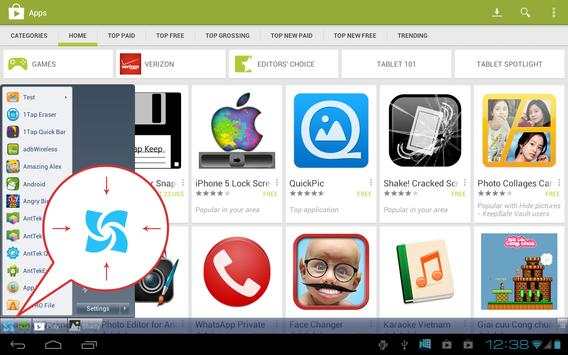
It comes in handy when you want to launch apps, common settings, favorite contacts quickly.
Features
☆ "Start" button
Tap on the "start" button to open taskbar. Scroll up/down to launch app. If you add folders, contacts, settings, click on theme to execute.
☆ Change start button location
Click an hold for a while, then move around to change its location.
☆ Smart "Start" button
Start button will be dimming if taskbar does not open in two seconds. It also learn the way you use "start menu" area and taskbar, then smartly adjust them for you.
☆ Reorder apps
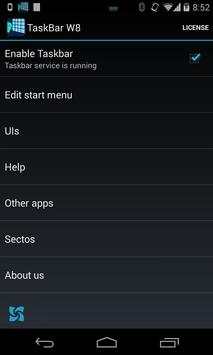
Open setting > Edit start menu item, then drag the icon in the right and move to change item order.
☆ Hide apps
Open setting > Edit start menu item, then click on action bar > hide to exclude apps.
☆ Create folder
Open setting > Edit start menu item, then click on action bar > add new to add new folder. Type folder name, select icon and folder type.
Folder type includes:
- Applications
- Settings
- Contacts
- Bookmark
☆ Xposed enabled to show natively on navigation bar (soft navbar with AOSP ROM only)
This app uses the Device Administrator permission.




- Support Android 6.0


