
DOWNLOAD IS NOT SUPPORTED IN WEB STORE!
Use the latest version of 9Apps to download APK&OBB file of games in one click!
DOWNLOAD 9APPS

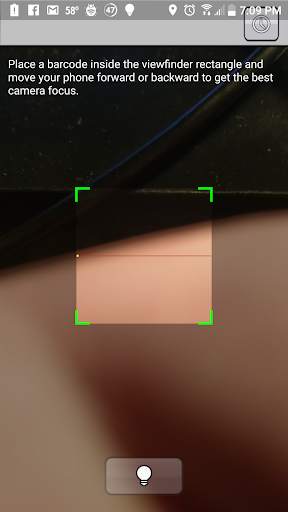
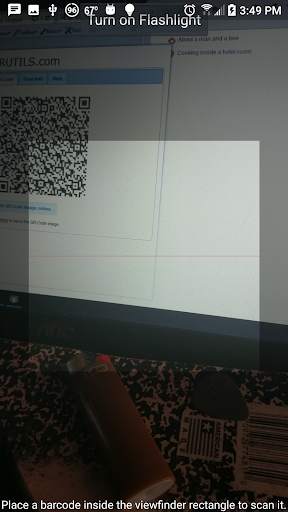
It's simple really. You run the app and you're taken to your native scanner -- there are no screens besides the scanner! Scan the QR code. The text contained in the QR code is pushed to the clipboard. Finally you're taken back to the home screen with your text ready to be pasted into the app of your choice. ... Like I said, simple! :D
This is great if you're on a PC or Mac and want to type something really fast. I would recommend going to a site like www.qr-code-generator.com, select the text tab, type away, then generate your QR code. If you have any questions or comments please feel free to let me know!


Fixed having to go the Play Store to get a library that was needed to work.



imo beta -video calls and chat
4.394.0MB

Talking Tom Cat
3.963.0MB

Facebook Lite
4.02.5MB

Offline Music Mp3 Player- Muso
4.535.9MB

Quikr – Search Jobs, Mobiles,
4.120.8MB

ShopClues
3.816.4MB

Dearmet: Video Chat, Live Talk
4.043.4MB

Temple Run 2
4.4122.1MB

Candy Crush Saga
4.491.1MB

Stickman Fighting
3.059.6MB