DOWNLOAD IS NOT SUPPORTED IN WEB STORE!
Use the latest version of 9Apps to download APK&OBB file of games in one click!
DOWNLOAD 9APPS
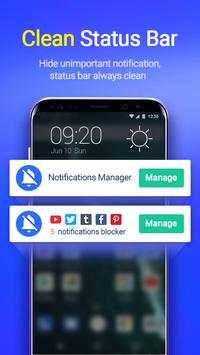
Notification Manager is a powerful and efficient notification manager app, which is designed to bulk manage app notification messages from notification bar in an easy and fast way. Notification Manager allows you to show important notifications and hide useless, unimportant and annoying notifications. Notification Manager can keep your notification bar clean and tidy!
Notification Manager Main Features:
-Collect any annoying unnecessary app notifications to make phone more efficient
-Manage system app notifications like SMS, Contacts and Email
-Manage third party apps like Facebook, WhatsApp, Instagram, Snapchat and Twitter etc.
-One-tap to clean all the junk notifications
-Minimal APK size & memory usage and battery saving
-Without root, only necessary access permission required
How to Use Notification Manager?
Step 1: Download Notification Manager from Google Play Store
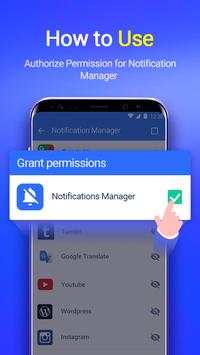
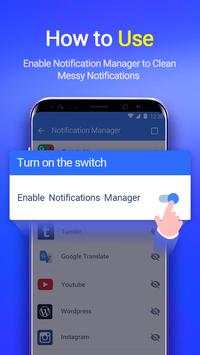
Step 2: Enable Notification Manager & authorize access permission to Notification Manager
Step 3: Go to app settings and turn on Notification Manager
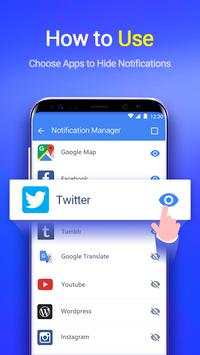
Step 4: Choose any app notification, and then it’s done
If you have any suggestion or problem with Notification Manager, please feel free to ask: support@fraumobi.com