









DOWNLOAD IS NOT SUPPORTED IN WEB STORE!
Use the latest version of 9Apps to download APK&OBB file of games in one click!
DOWNLOAD 9APPS
This is the free version that has ads. If you enjoy the app please support the dev, ad free version only 0.99!
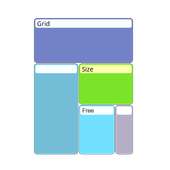
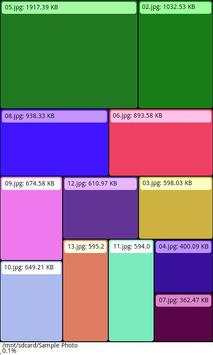
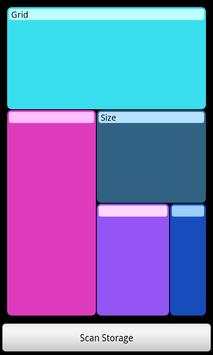
Grid Size file manager has all the functionality you expect from a file manager with a useful visual feature. The grid view graphically displays the contents of your storage drive proportional to the size of each folder and file. The grid view also supports image controls so that you can zoom and pan to view folders.
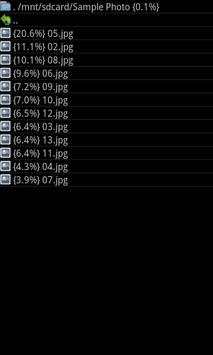
Standard list view is also available for the folder tree, useful for typical file manager functionality and for interacting with files and folders that are empty and thus not displayed in the grid view.
To begin, tap the "scan storage" button. After scan is complete, you are shown your folders via GridView. See below to access ListView. Tap on a colored box to open a folder, labeled via the lighter colored band at the top of each box. To open a file within a folder, simply tap that box and select "ok" when prompted to open that file.
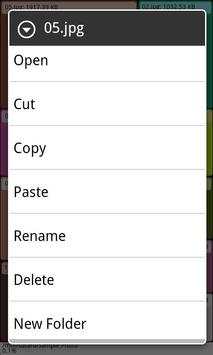
You can zoom in at any time with a standard pinch zoom. You can also pan around by holding your finger down and dragging across the screen. Press and hold on a folder or file to interact with it. Available commands include: open, copy, cut, paste, rename, delete and new folder. Tap the back button on your phone to go back to the previous level of folders.
Try the demo version without ads for a free preview. Full version available without ads! Questions and suggestions, please email gridsizefilemanager@gmail.com.


