












DOWNLOAD IS NOT SUPPORTED IN WEB STORE!
Use the latest version of 9Apps to download APK&OBB file of games in one click!
DOWNLOAD 9APPS

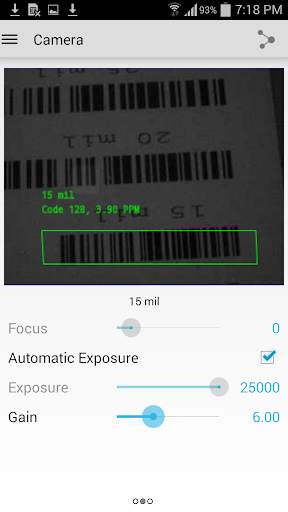
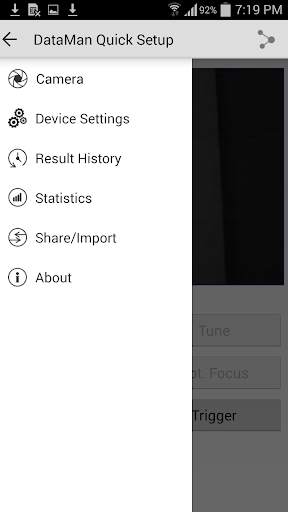
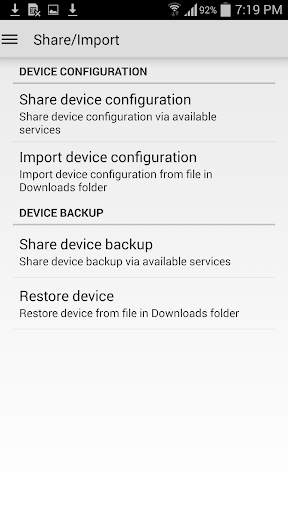
** Mangyaring i-install ang Cognex MX Connect app upang kumonekta sa MX reader.**
https://play.google.com/store/apps/details?id=com.cognex.mxconnect
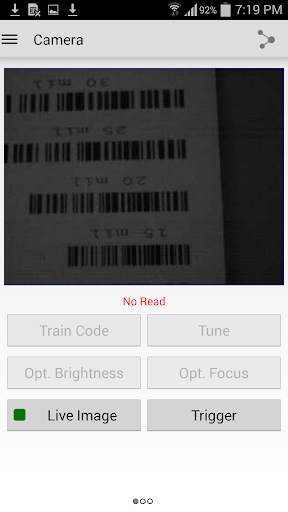
Gamit ang Cognex Quick Setup App maaari mong i-set up at i-configure ang iyong MX Mobile Terminalsat naka-network na Ethernet fixed-mount barcode reader.Ang maginhawang app na ito ay nagbibigay-daan sa iyo upang makita ang mga larawan sa real-time, ayusin at ibahagi ang mga setting ng pagsasaayos sa maraming mga mambabasa, i-save at magpadala ng mga larawan, at marami pang iba.Maaari mo ring i-troubleshoot ang mga isyu at suriin ang mga rate ng read kahit saan sa iyong pabrika o sentro ng pamamahagi ng sahig nang hindi gumagamit ng PC.
- Fixed the firmware details box so it is now scrollable
- Extend diagnostic result with missing battery, HPT log and reader's serial number
- QSA reconnects automatically if a config upload was initiated from MDM via App config
- Improve connection handling with MX mobile terminals
- Fixed power-off timeout format (show minutes)
- Fixed potential crash during firmware update
- Fixed potential crash for Ethernet device details
- Improved overall stability


