









DOWNLOAD IS NOT SUPPORTED IN WEB STORE!
Use the latest version of 9Apps to download APK&OBB file of games in one click!
DOWNLOAD 9APPS
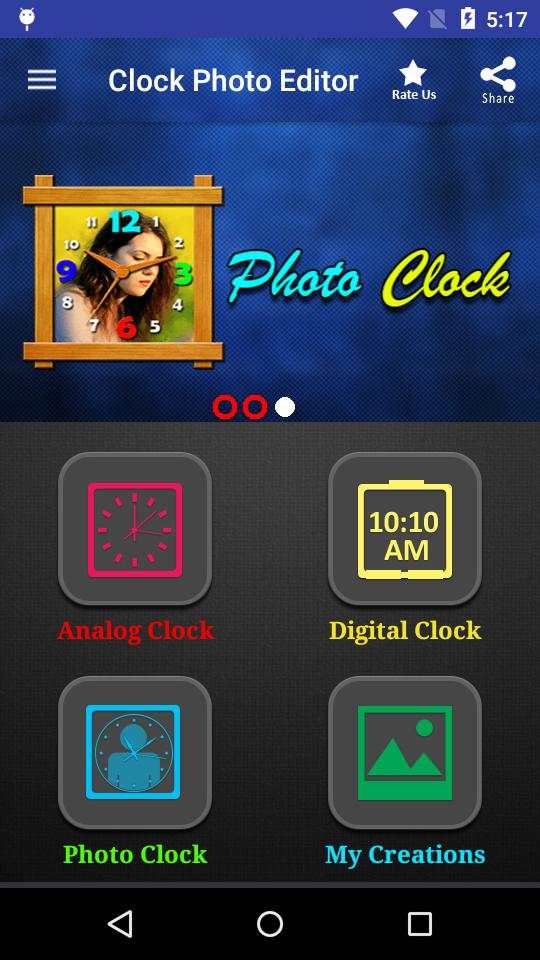
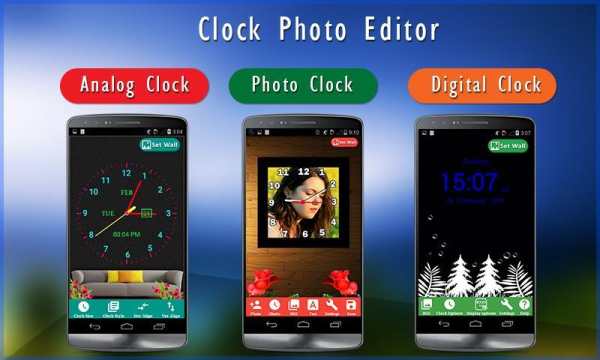
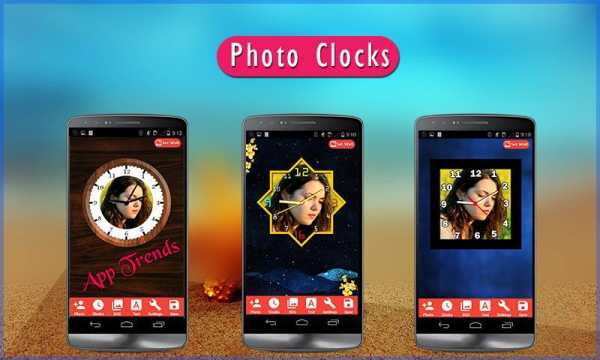
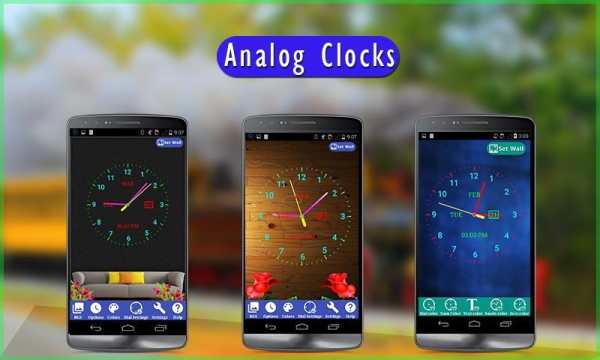
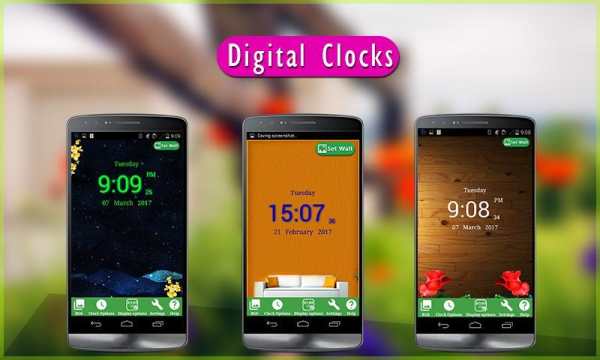
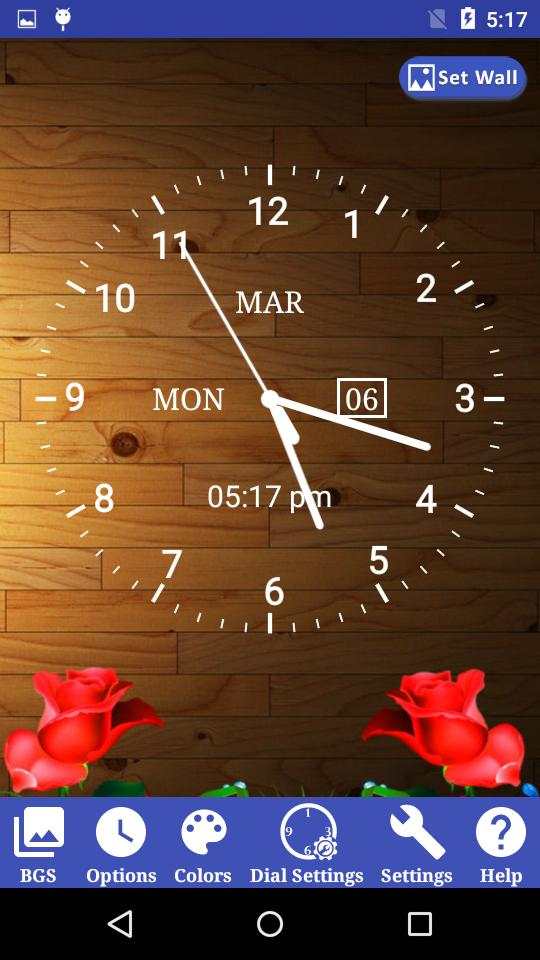
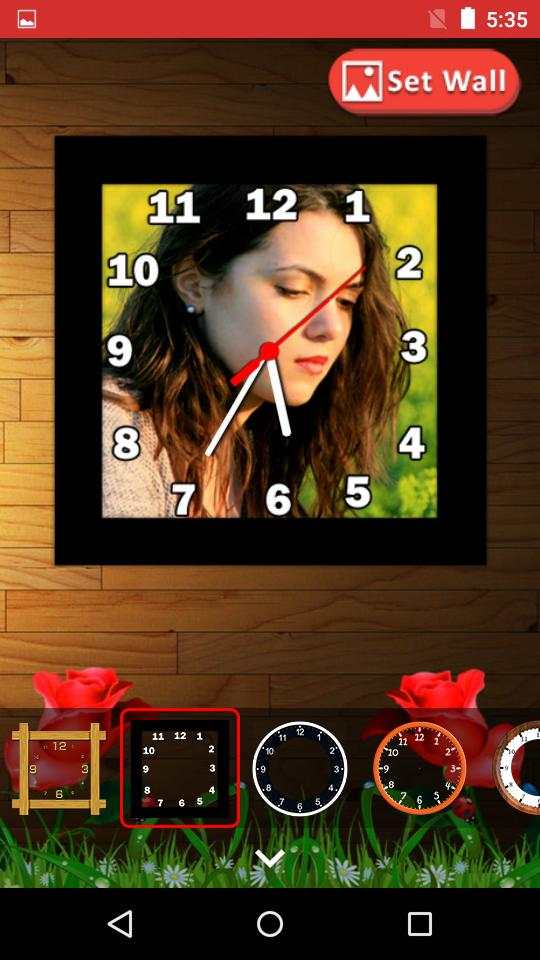
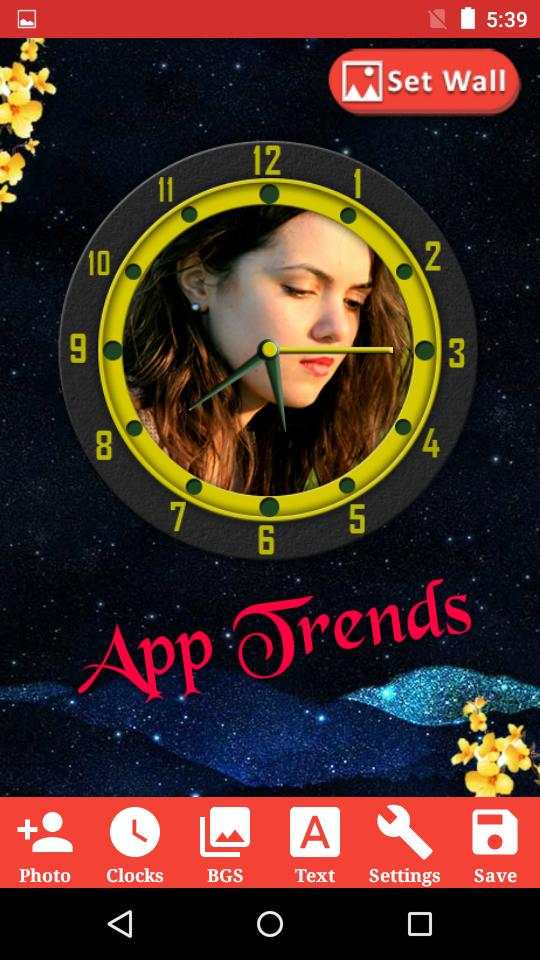
Clock Photo Editor
Do you love to add photos in analog clock or digital clock?
Do you love to create on your own?
If yes, Download our Best Android app "Clock Photo Editor" and make your mobile screen beautiful and memorable.
How to use:
1. Choose the clock type
2. Customize clock
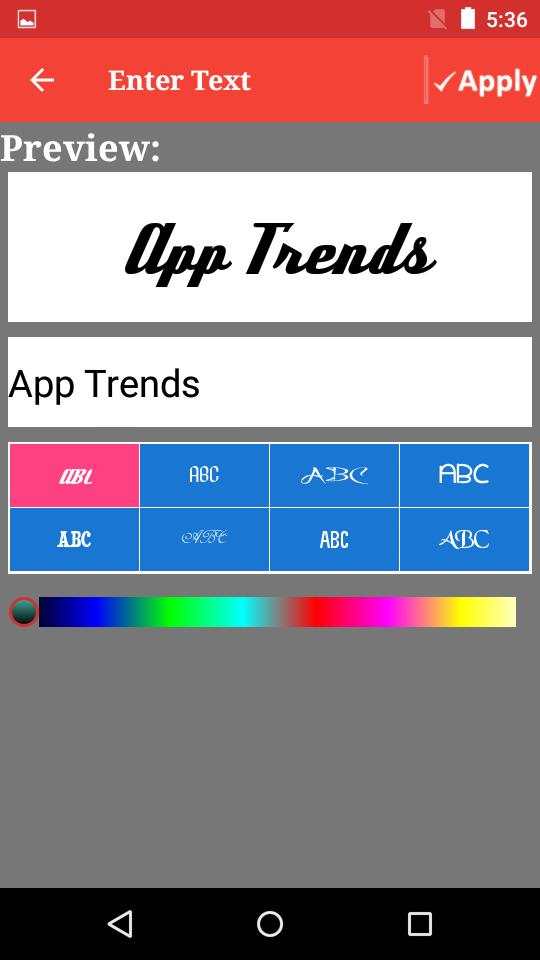
3. Add your text
4. Save and Share your Collections through social
5. Set as Live Wallpaper
Key Features:
★ Easy to use UI
★ Lots of backgrounds to choose from!
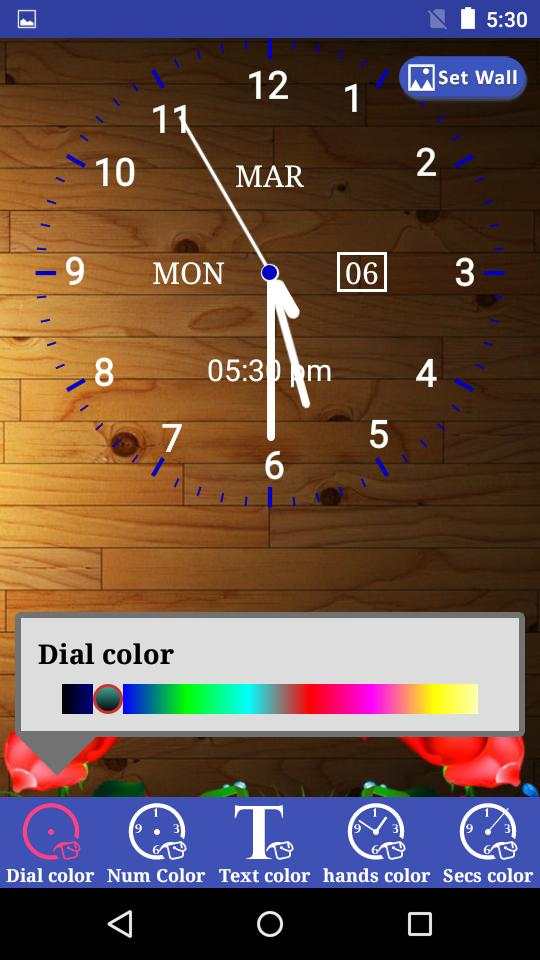
★ Lots of Analog Clocks to choose from!
★ Easy to add Text
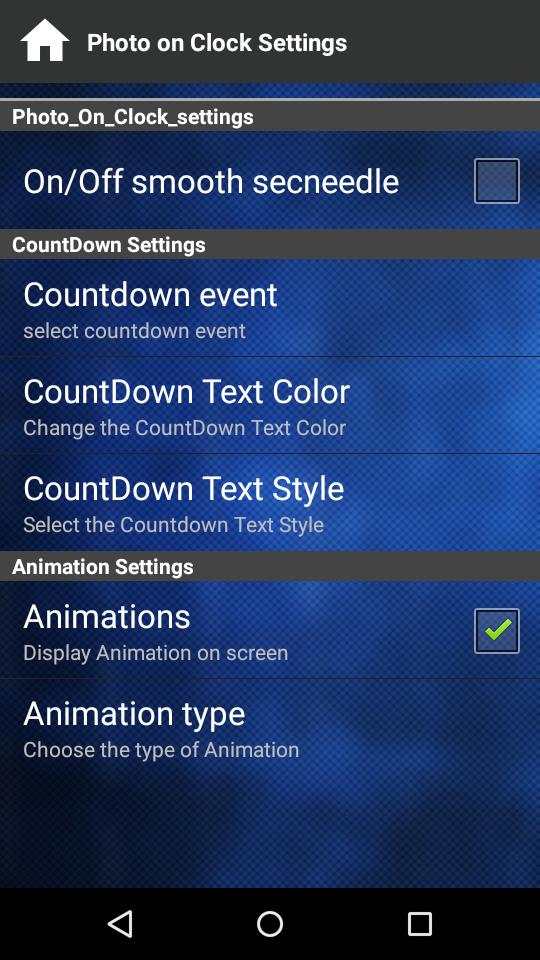
★ Easy to add Count Down
★ Its Free!
★ It works Offline
★ Choose favorite Animations
Analog Clock
1. Choose your own pics as clock backgrounds or use default backgrounds
2. Customize the clock size, color and clock position on screen.
3. Create your own count down and display on screen.
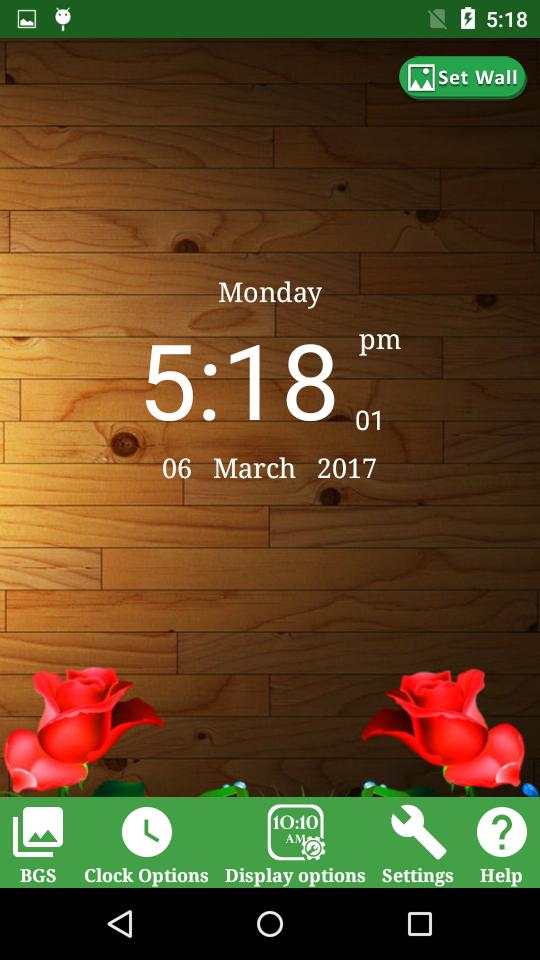
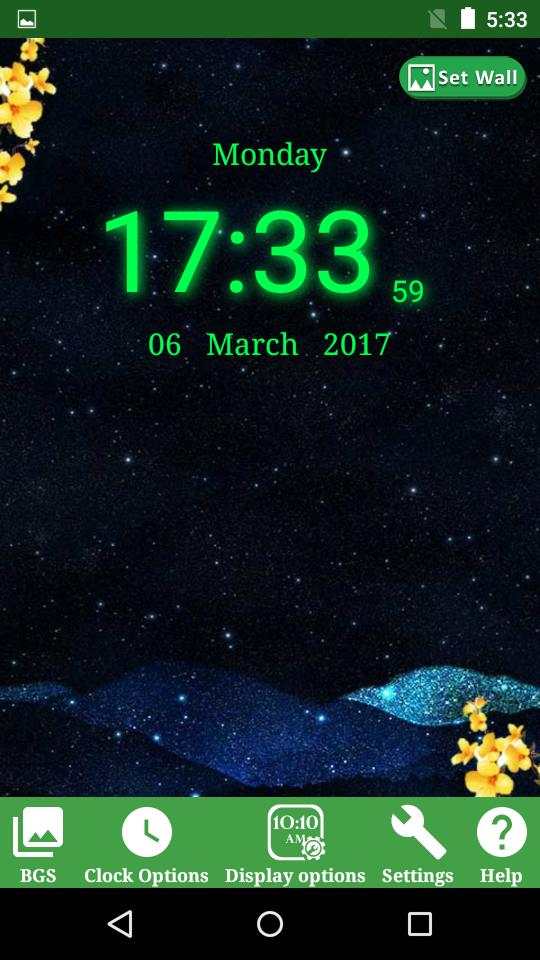
Digital Clock
1. Choose your own pics as clock backgrounds or use default backgrounds
2. Customize the clock size, color and clock position on screen
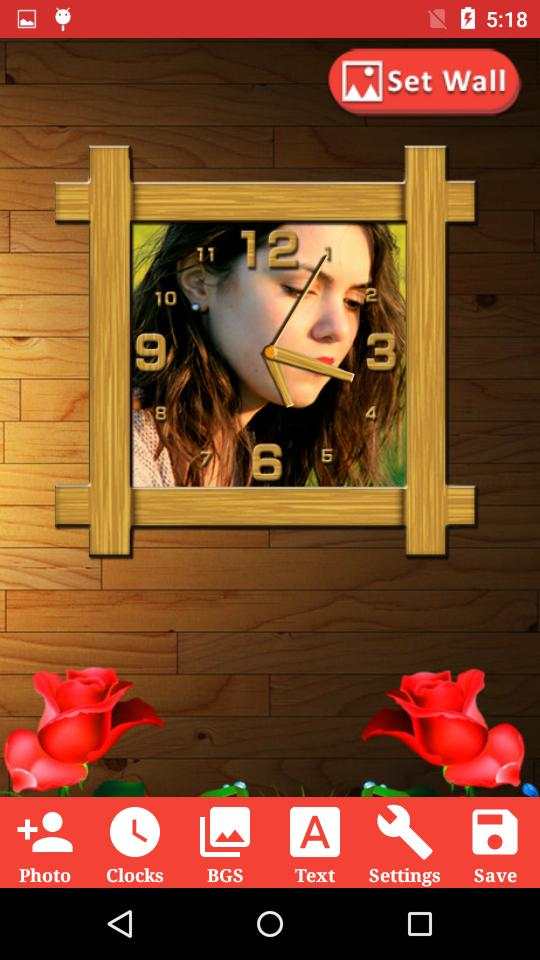
Wall Clock
1. Choose your favorite Wall clock
2. Add photo in wall clock
3. Use simple touch gestures to rotate, resize photo.
4. Write your note
5. Save to My Creations
6. Share any time using social networking apps like Facebook, whatsapp etc,.
Download the Best "Clock Photo Editor Live Wallpaper" on your mobile Now for Free!




* Optimized code and fixed crashes.
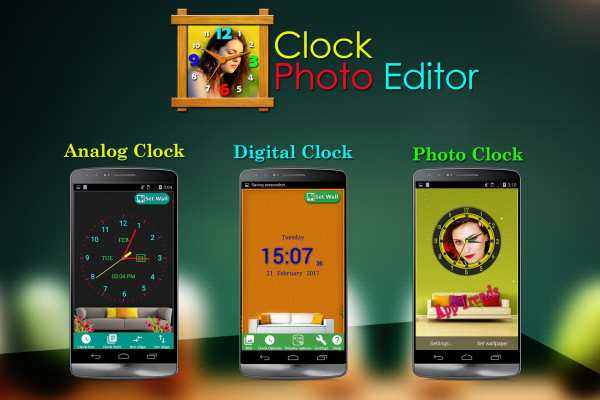
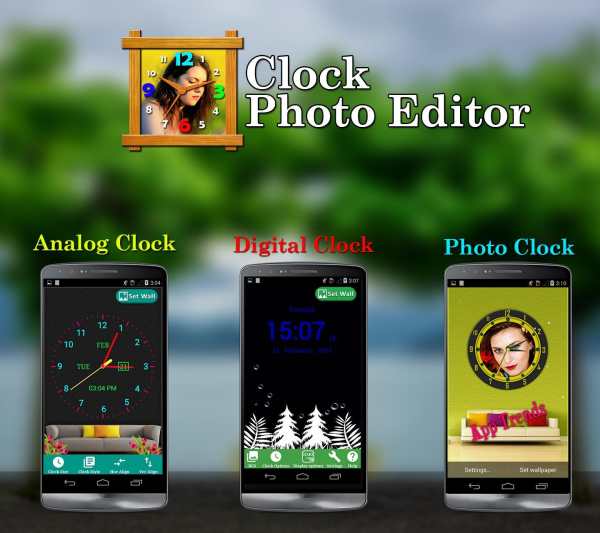
* All types of clocks in one app: photo clock, digital clock, analog clock.


