DOWNLOAD IS NOT SUPPORTED IN WEB STORE!
Use the latest version of 9Apps to download APK&OBB file of games in one click!
DOWNLOAD 9APPS

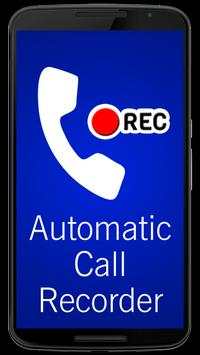
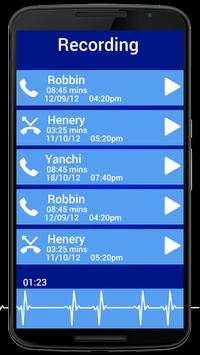
Using Call Recorder app, you can record any phone call (Incoming and Outgoing) you want and choose which calls you want to save.
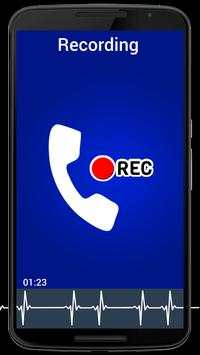
In Call Recorder app we have given option of choose which calls you want to record. While you’re on the call if you don’t want to record the call then simply turn off recording using on screen toggle button. If you wish to record any call from any moment then simply turn on recording toggle button and start recording.
All call Recordings will be saved in SD Card and which can be accessed from My Recording option in the Call Recorder app.
You can Save, Share and Delete call recordings whenever you want.
While you’re on the call you will see a Recording Toggle Button which will help you quickly access Turn ON/Off Call Recording without navigating from the call screen.
Using Call Recorder app you can record all Incoming and Outgoing calls by default. But if you wish not to record any specific call you can turn off recording using toggle button on call screen.
Call Recorder app is free to download from Google Play Store.