









DOWNLOAD IS NOT SUPPORTED IN WEB STORE!
Use the latest version of 9Apps to download APK&OBB file of games in one click!
DOWNLOAD 9APPS

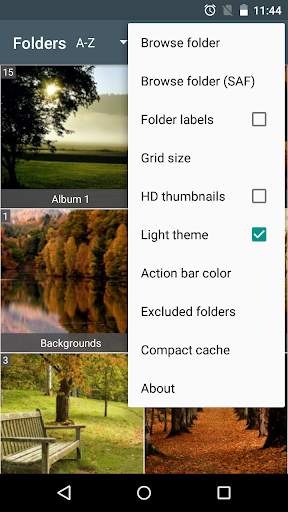
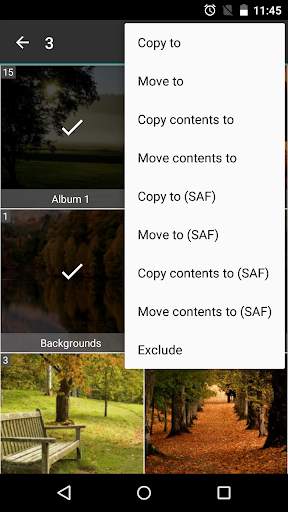
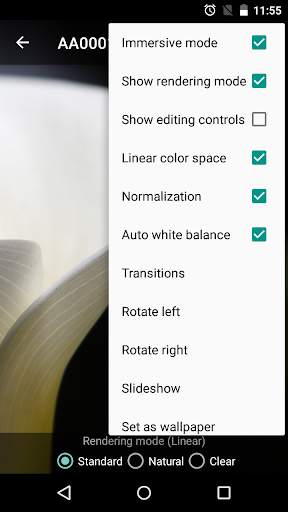
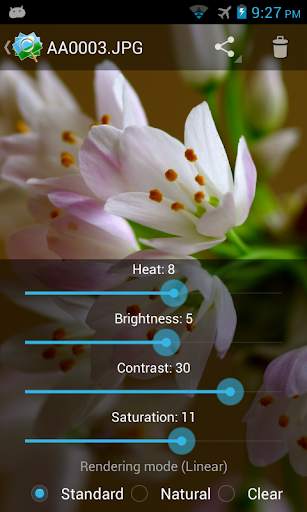
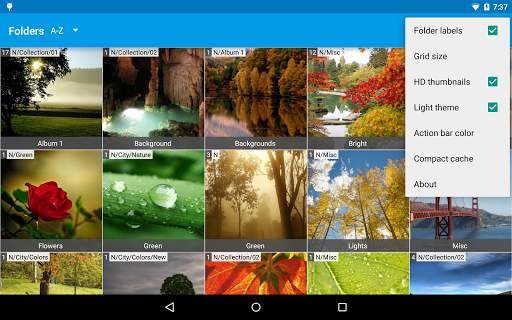
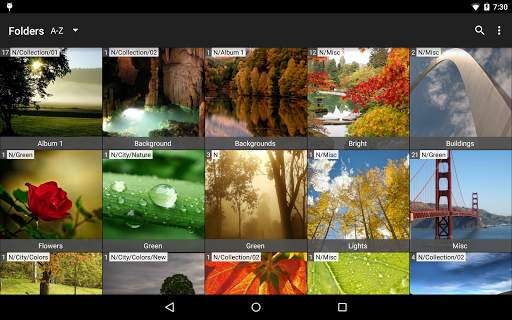
An image viewer focused on picture quality featuring its own rendering engine and real time editing controls.
Three rendering mode available: Standard, Natural and Clear.
Every mode uses different antialiasing technics for displaying images, especially high resolution ones, with more accuracy and less artifacts at every zoom level.
Linear color space option improves color fidelity and natural edges smoothness.
Files sorted by name or date (ascending/descending) and search function.
Resizable thumbnail grid with zoom gesture.
Copy and move images, folder structures or folder contents
Create new folders
Rename image files
Realtime auto-normalization and auto white balance.
Basic advantages:
- Reduces artifacts, aliasing and moiré pattern
- Improves reproduction of small details
Edit your pictures with brightness, contrast, saturation and heat controls and save them at full size or cropped.
The cropping operation is performed agreeing with what you see at video (zoom level, position and screen frame).
The first time you browse your albums, high quality thumbnails will be created.
This operation could take some time.



Minor bug fixes


