












DOWNLOAD IS NOT SUPPORTED IN WEB STORE!
Use the latest version of 9Apps to download APK&OBB file of games in one click!
DOWNLOAD 9APPS
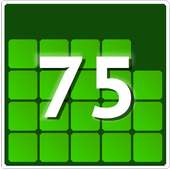
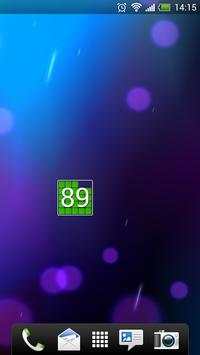
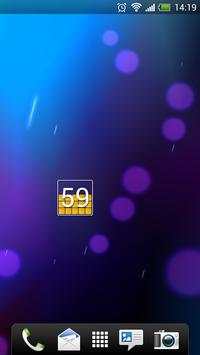
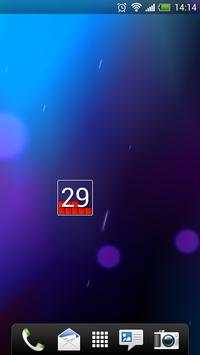
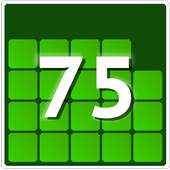
Simple and lightweight battery widget.
Cubic blocks show battery charge level and numbers show percentage of charge.
Color of the cubic blocks changes (red, yellow, green) depending on the battery charge level.
Battery widget does not have services that stay in the background all the time making it consume very little battery power.
Note: It is a WIDGET, not an application.
For installation, please follow the instructions below.
---------------------------------
Installation instructions
---------------------------------
Option 1:
1. Go to your home screen by pressing HOME button
2. Press MENU button and select ADD
3. Select WIDGETS from list
4. Find "Cube Battery Widget Mini" and add it on your HOME Screen
Option 2:
1. Go to your home screen by pressing HOME button
2. Tap and hold your finger on any available space
3. Select WIDGETS from list
4. Find "Cube Battery Widget Mini" and add it on your HOME Screen
Whats new in this version:
- New icon
- Minor change in name


