









DOWNLOAD IS NOT SUPPORTED IN WEB STORE!
Use the latest version of 9Apps to download APK&OBB file of games in one click!
DOWNLOAD 9APPS
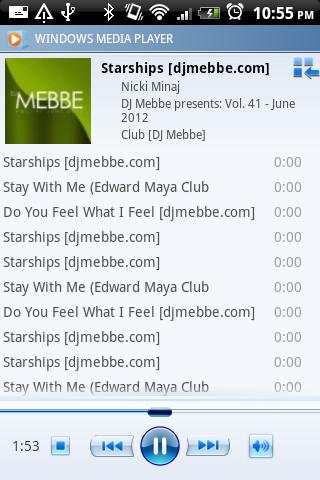
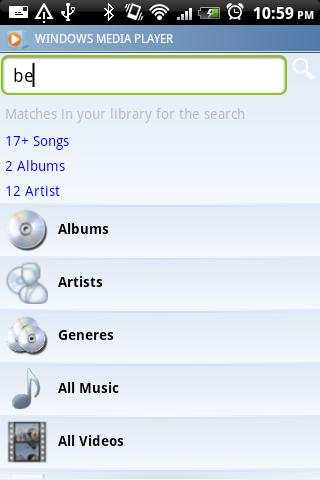

Window Media Player remote ( WMP Remote ) application allows you to remotely control your Window Media Player of your PC using bluetooth Connection. This application is part of Full Version PC Peregrinato which you can download fromhttps://play.google.com/store/apps/details?id=com.vinit.blueconnectDOWNLOAD ON PC:http://www.pcperegrinato.com/downloadsTutorial, support, general information find here:http://www.pcperegrinato.com/How to connect:1. Download the PC Peregrinato(PC companion) to your computer2. Turn on Bluetooth on the PC3. Extract downloaded file and launch PCPereginato_setup.msi4. Run the application in your mobile.• Detailed tutorial can be found at http://www.pcperegrinato.com/tutorials.html.Support:http://www.pcperegrinato.com/support/vinitsiriya@gmail.comFeatures:• Complete Library Support• sync Application• Touch to seekSupport the following operating systems:• Windows 8 (x86, x64)• Windows 7 (x86, x64)• Windows Vista (x86, x64)• Windows XP


