











DOWNLOAD IS NOT SUPPORTED IN WEB STORE!
Use the latest version of 9Apps to download APK&OBB file of games in one click!
DOWNLOAD 9APPS

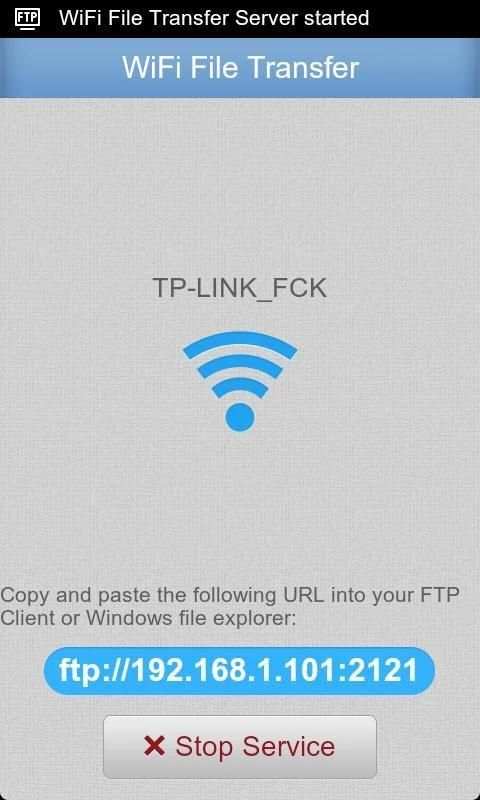
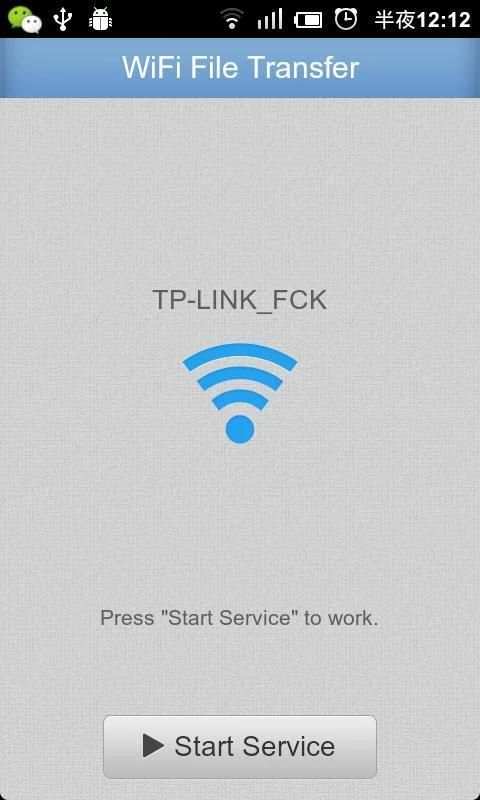
Do you still use the troublesome USB wire cable to connect your Phone and computer?Now throw that bothering USB wire cable away, WiFi File Transfer help you to manager files in your Phone on the computer over wireless connection.
FEATURES
• Upload or download multiple files at once
• Delete, rename, copy, zip or unzip files using the built-in file manager interface
• Shortcuts to photo, video and music directories
• Runs as a background service
• View photos directly in your web browser (integrated thumbnail gallery)
Only simple steps:
1.Ensure your Phone and computer connect in the same WiFi network;
2.Start WiFi File Transfer by press "Start Service" button;
3.Copy and paste the URL noticed into your FTP Client or Windows file explorer, then you scan and manager files in your Phone on your computer.




Fewer permissions needed


