









DOWNLOAD IS NOT SUPPORTED IN WEB STORE!
Use the latest version of 9Apps to download APK&OBB file of games in one click!
DOWNLOAD 9APPS

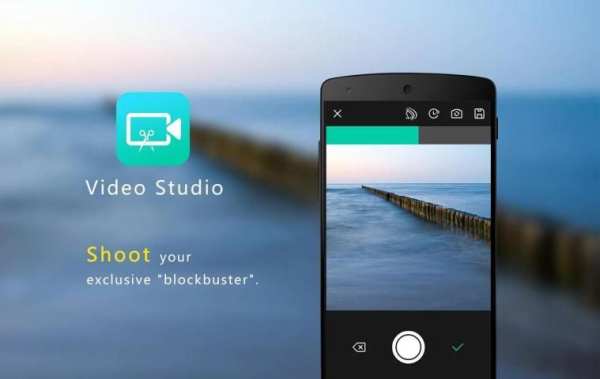
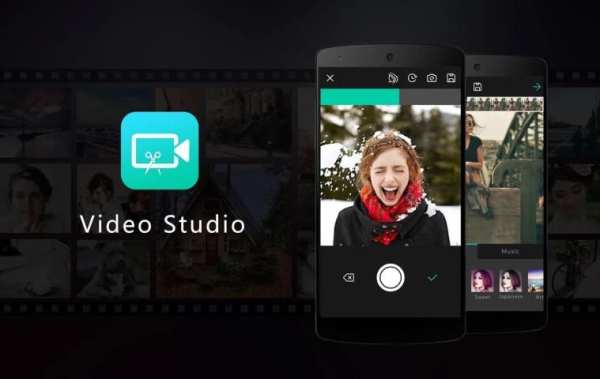
Features:
1. The real-time video portrait beauty
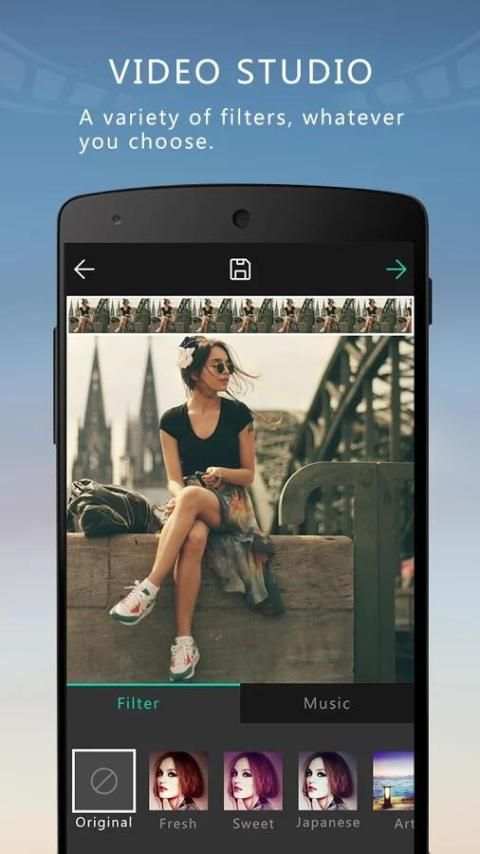
2. A variety of top video filters
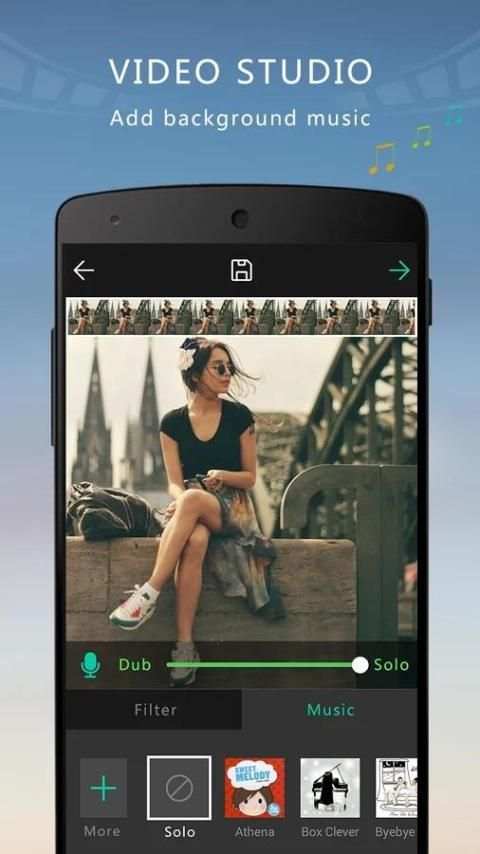
3. Customize video background music
4. The custom recording time, support 8-600 seconds
5. Freely configure the compression rate of videos, support 10-5000000 bps
6. Import local video to edit
7. Video fragments and back delete, easily to stitch scenes to make your video creativity
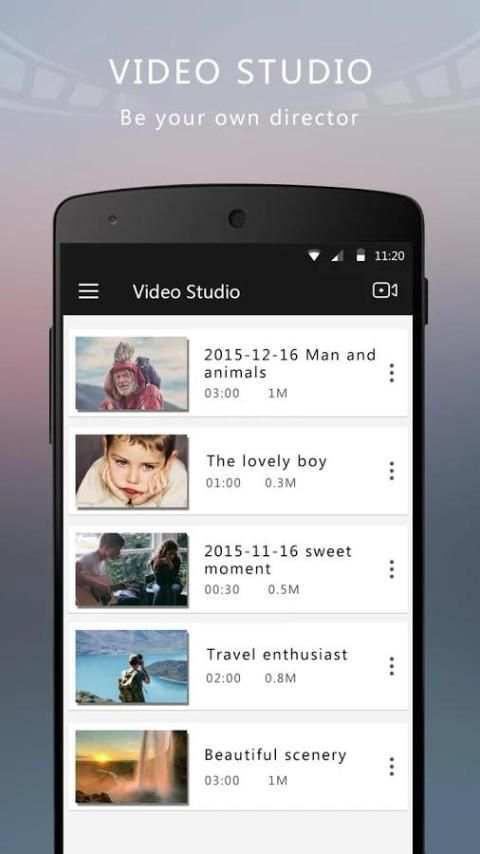
8. Saving the editing video as draft
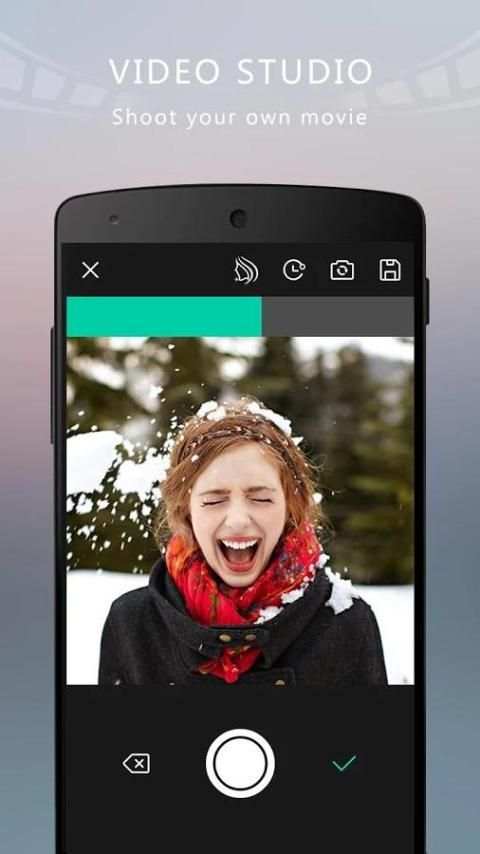
9. Support Countdown shooting
How To Use:
1.Click the Add Button at the Top Right for video capture
2.Video capture:
* Default video length is 60 seconds, you can set the length at settings.
* Press the shooting button to capture a video fragment.
* Click the Add Button at the Buttom Left to add local video or draft video as a video fragment.
* Click the Delete Button to delete the last video fragment Or long click to delete all video fragments.
3.Finished video capture, then, select filter and background music for video
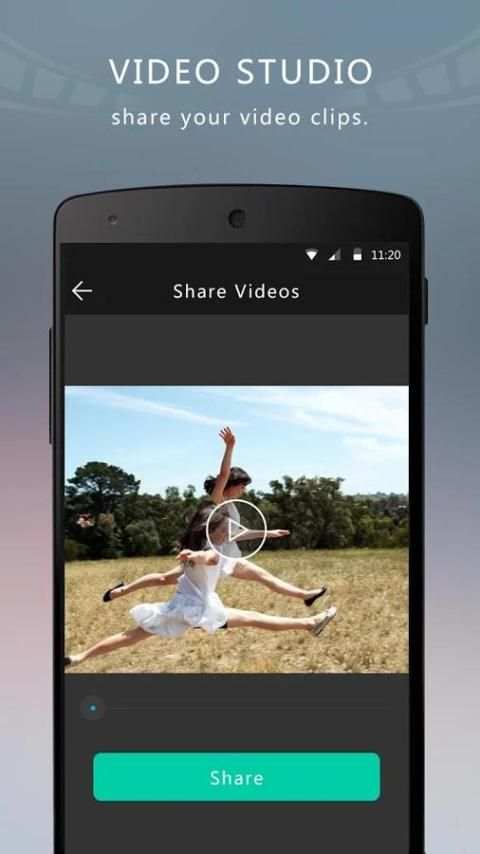
4.Finished, Save and Share!


