













DOWNLOAD IS NOT SUPPORTED IN WEB STORE!
Use the latest version of 9Apps to download APK&OBB file of games in one click!
DOWNLOAD 9APPS

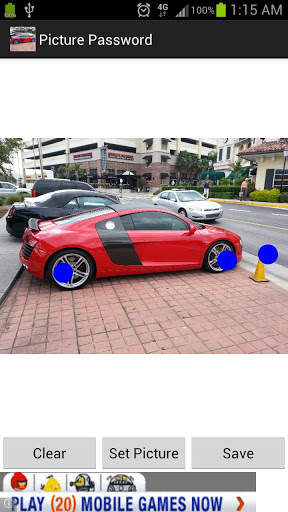
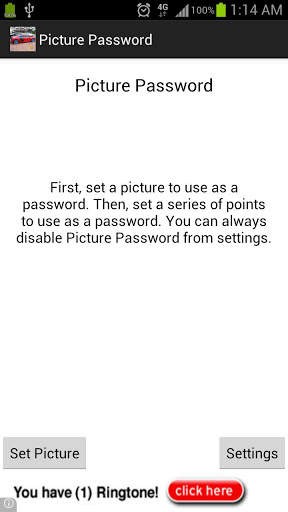
ATTENTION: This app request the device administrator permission. This is what gives the app the ability to lock your phone. If for some reason you are feeling grumpy and wish to uninstall the app, you need to go into your phones Settings gt; Security gt; Device Administrators and uncheck this app.Every get tired of entering a pin? Ever get board using a boring pattern? Do you take pictures of everything you eat and post it to various social networks? Do you like reading rhetorical questions? Then Picture Password is the app for you.With it, you can take one of your millions of pictures that remind you of random stuff and use it for a password. Steps are:1 Select a picture.2 Select some points that you want to use as a password3 Save4. Shake your phone5. SHAZAMM, you now have a picture for a password. Every time you unlock your phone, you should be prompted with a picture. Enter the points and submitCAUTION: Forgetting your picture password is not a good idea. It will probably cause you to get annoyed, and you will probably end up sending me a nasty email. Fear not, for I have a solution. Reboot your phone. Then disable the app, but you only have a short amount of time to disable it, so CLICK FAST. Coming soon A version of the application that will make things configurable But guess what, you will have to pay for it :.Email me with any issues, I39;ll do my best to read the email and send back some kind of response.


