DOWNLOAD IS NOT SUPPORTED IN WEB STORE!
Use the latest version of 9Apps to download APK&OBB file of games in one click!
DOWNLOAD 9APPS
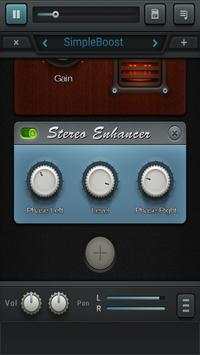
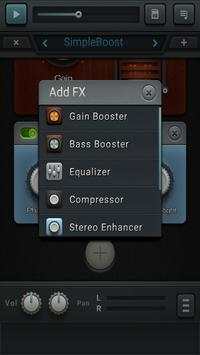
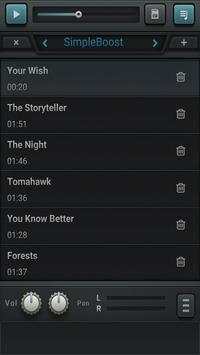
Maximum Volume Tool is like a treasure box with the most required sound tools for perfect sounding - audio compressor, gain booster, bass booster, stereo enhancer and music equalizer are in your Android device. You can use it in addition to your music composing software.
There are some hints about using the Maximum Volume Tool:
1. To start your work uploade the necessary audio file from device's SD card.
2. To choose a filter tap on the plus button: from easy equalizer booster to professional sound enhancer.
3. Control all characteristics of each filter with sliders.
4. You can open two, three or more filters at the same time.
Volume Maximizer features:
- Smart and simple sound editing tool for Android
- Numerous adjustable sound filters
- Possibility to save changes
- Volume and pitch adjusting function
- Possibility to open some filters at the same time