









DOWNLOAD IS NOT SUPPORTED IN WEB STORE!
Use the latest version of 9Apps to download APK&OBB file of games in one click!
DOWNLOAD 9APPS

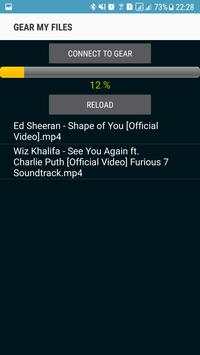
The companion application help you send any files from phone to gear.
Please follow the guide below to transfer file from phone to gear:
1. Allow all permisson for this app.
2. Connect phone and gear via bluetooth.
3. Open My Files app on gear.
4. Go to download folder
5. Press to three dot on the right hand
6. Select option "Receive file from phone" ( press to the text at the center screen )
7. This app will go to File Transfer screen.
8. Unlock your phone, GearMyFiles app will be auto launched.
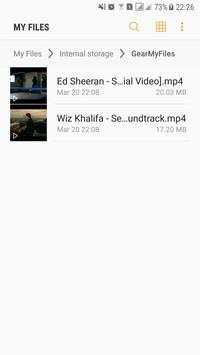
9. Copy the file you wanna send to gear to "GearMyFiles" folder.
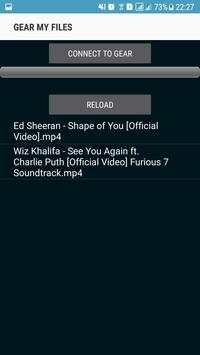
10. Press to "Reload" button to reload list file
11 Press to "connect to gear" button untill the screen show text: CONNECTION_ALREADY_EXIST.
(Some time you need reboot your gear or uninstall and install again)
12. Select file you wanna send to gear.


