DOWNLOAD IS NOT SUPPORTED IN WEB STORE!
Use the latest version of 9Apps to download APK&OBB file of games in one click!
DOWNLOAD 9APPS
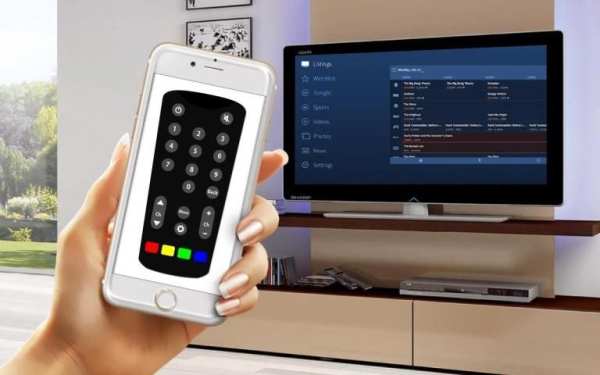
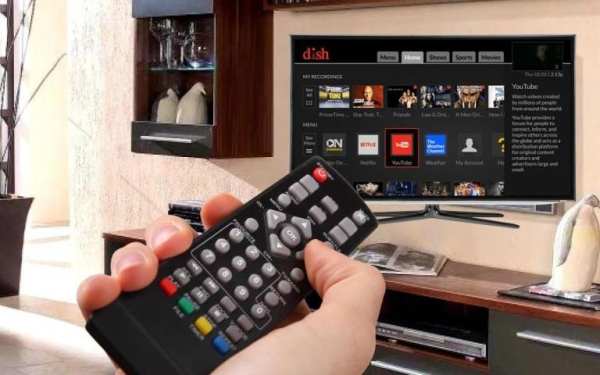
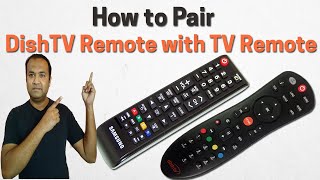
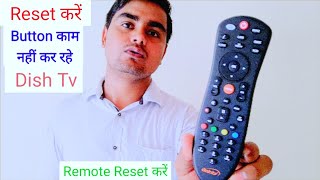
DISH/DTH Remote Control help you to operate your DTH connection in Smart TV. Dish TV Remote which connects with your SetTop Box either with Wifi, IR, IP Connection
Smart Android TV features are available in our Universal TV Remote Control. It's simple and easy to configure and use. Dish TV Remote will only work if phone and TV are on same wireless network.
Dish TV Remote Control Functions :
- Power on / off
- Volume up / down
- Channel up / down
- Channel Digit Buttons
- Setting Menu
- Red / Yellow / Green / Blue Functions
DTH Remote Control supported all type of connection mode like IP, IR Port or WiFi connections and supported many brands (TataSky, Airtel, Sun Direct,DD Free Dish, Videocon, Reliance, BigTv or many more).
How to Configure DISH TV Remote Control for all
- Select SetTop box model from List
- Choose Connection mode from WiFi, IP, IR Port
- Wait for a second till your connection done successful with TV remote
The Remote Control will only work if phone and TV are on a same wireless network. So your TV and device are connected to the same network to work the remote control.
Note :
This app is supported by All TV Set Top Box Brand which listed in the app. This is an unofficial Universal TV Remote Control application for these Television brands.