














DOWNLOAD IS NOT SUPPORTED IN WEB STORE!
Use the latest version of 9Apps to download APK&OBB file of games in one click!
DOWNLOAD 9APPS

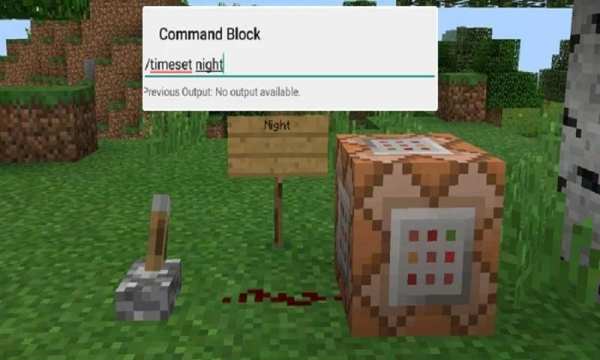
The Command Block (ID 137) can be obtained by using the creative inventory. It’s a block which when triggered by a redstone signal can execute both javascript and custom mod commands.
In this example we will be using the commands available in the X-Commands mod to explain how you can use redstone and the Command Block to switch time between day and night.
Begin by placing down the first Command Block which will be used for activating night-time. Tap on the block to set the command to use. Here you can also enter JavaScript, e.g.: javascript: Level.setRainLevel(1); – this would turn on rain
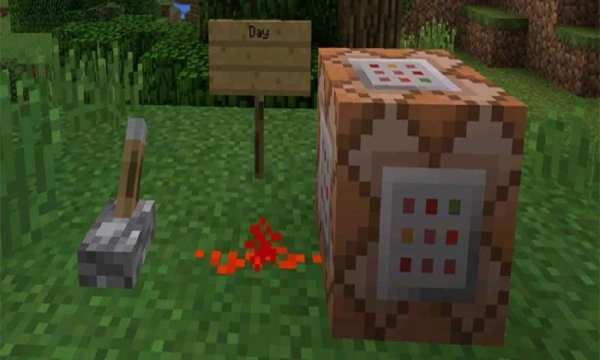
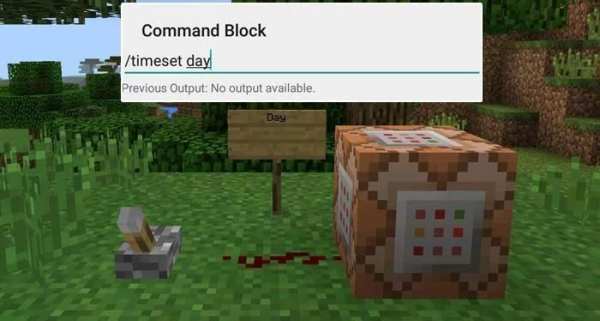
Then place down the second Command Block and let’s set it to execute the day command.
Now use the levers to trigger the redstone signal. The redstone signal will then transmit power to the Command Block which will in return execute the command it is setup to execute.


