



DOWNLOAD IS NOT SUPPORTED IN WEB STORE!
Use the latest version of 9Apps to download APK&OBB file of games in one click!
DOWNLOAD 9APPS
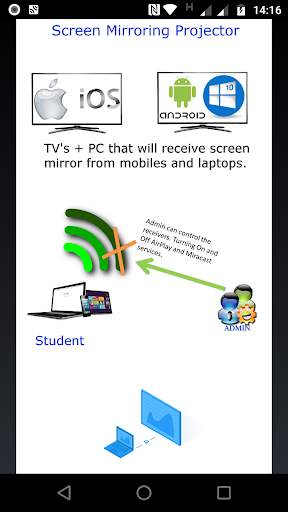
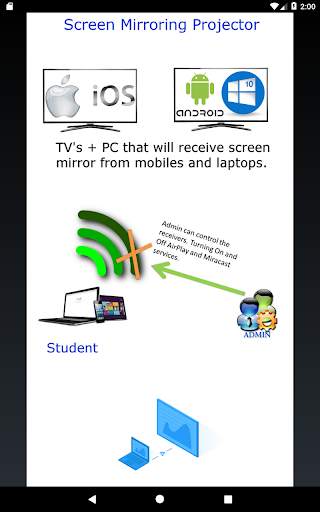
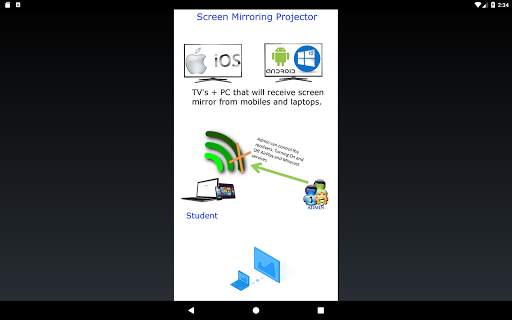
The App Screen Mirroring Projector will help you to scan and mirror the screen from your mobile, tablet or laptop to a smart TV/Displayscreen (miracast enabled), adapters and dongles wireless or to our App Screen Mirroring Control for the classroom/any, where you will have other modules such as Admin and Receptor and the teacher/admin can control when to turn on or turn off mirroring services.
This app has been tested and found works on most of android mobiles with android version 4.2 and above.
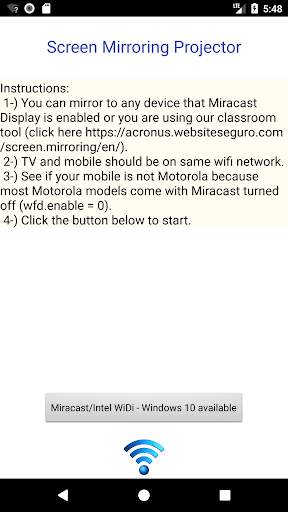
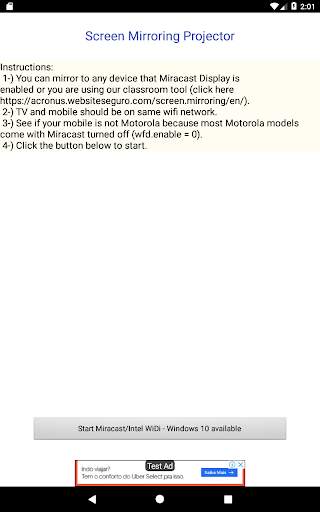
Please follow below steps to mirror your mobile screen to smart TV or to Screen Mirroring Receptor App.
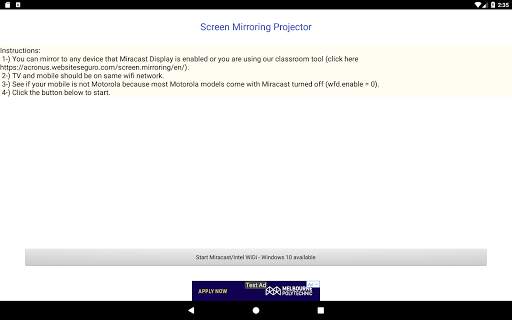
1-) You can mirror to any device that has Miracast enabled or you are using our classroom tool.
2-) TV and mobile need to be on the same wifi network.
3-) See if your mobile is not Motorola because most Motorola models come with Miracast turned off (wfd.enable = 0).



Mirroring screen from your Android device to Miracast Smart TV or Windows 10 Intel WiDi.