

![How to Screen Mirror Android Phone to Roku TV! [Cast] screenshot 3](https://i.ytimg.com/vi/qklGTMMhq6s/mqdefault.jpg)








DOWNLOAD IS NOT SUPPORTED IN WEB STORE!
Use the latest version of 9Apps to download APK&OBB file of games in one click!
DOWNLOAD 9APPS
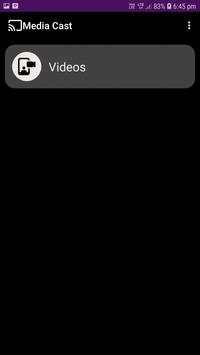
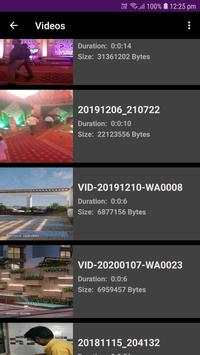
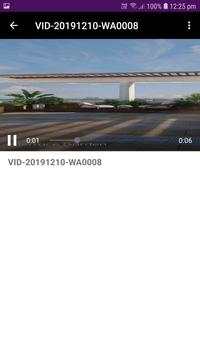
This application stream the videos To the Roku Device From the Android Phone.
This
App supports those file which is explained on the Roku's official website.
How to use:-
1. Connect you phone and roku device in same wifi network.
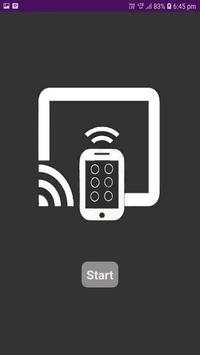
2. open the app and click on start button. After that you can see the cast button on the top of the screen.
3. Click on the Cast button and after that you can see the popup of the Roku device list available in wifi network.
4. Click on the device on which you want to cast.
5. Then click on video button and select video which you want to cast to roku and enjoy the video.
This App support for All the Roku devices to stream videos.
This
App
supports all the Roku devices like
Roku 1
Roku 2
Roku 2 XS
Roku 2 XD
Roku 3
Roku 4
Roku SE
Roku LT
Roku HDXR
Roku Ultra
Roku Express
Roku Premiere
Roku Premiere Plus
Roku Streaming Stick, etc.
Bug Fixed related to ads.


