




Big event coming! 20,000+ users downloaded MindSky latest version on 9Apps for free every week! You'll found many people are using it. This hot app was released on 2015-10-23. Remember it’s the app with great joy!
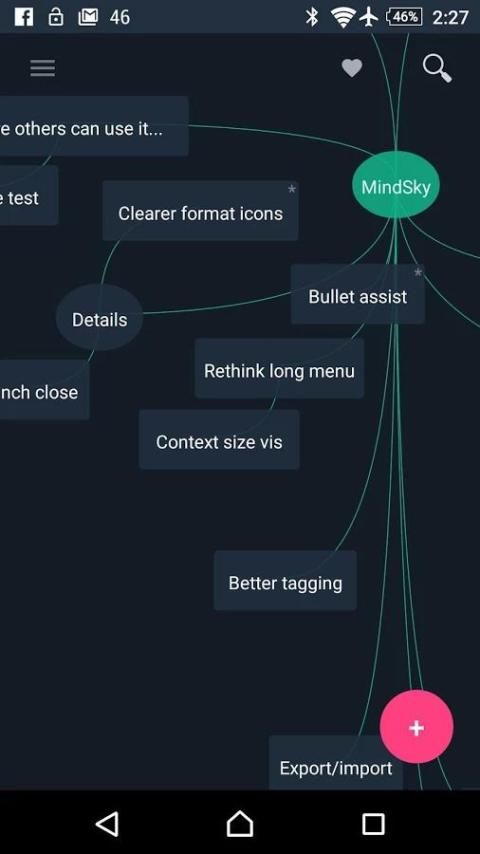
A multidimensional notepad from the future.
Check out the web-version at:
http://mind.im
** Give me awesome ratings and tell friends. ♥ Requests and questions: send me an email. **
KEY FEATURES:
• Sync notes on all your devices and computers
• Organize ideas
• Light & Fast
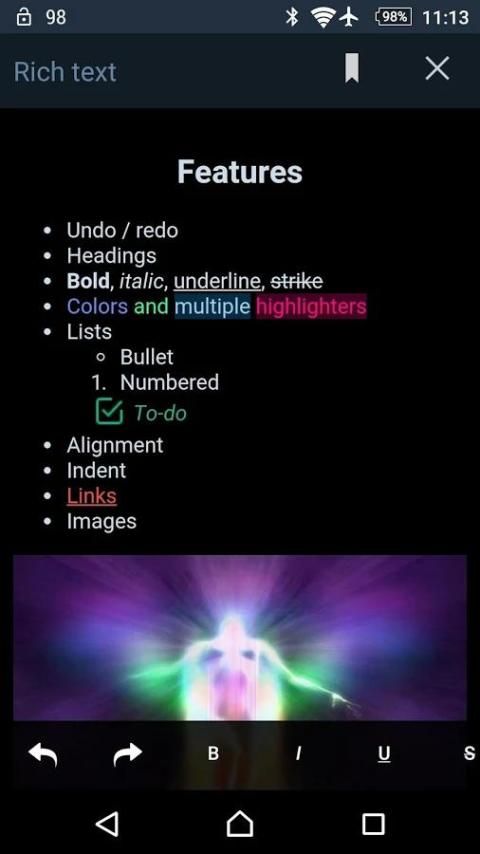
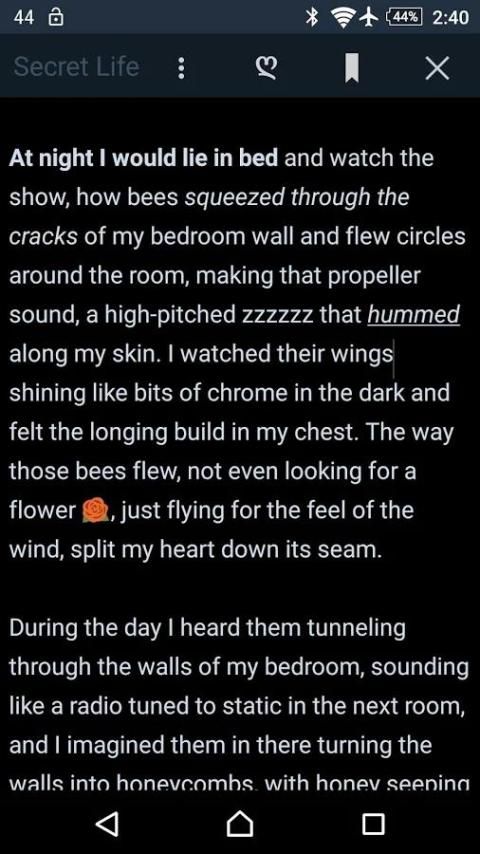
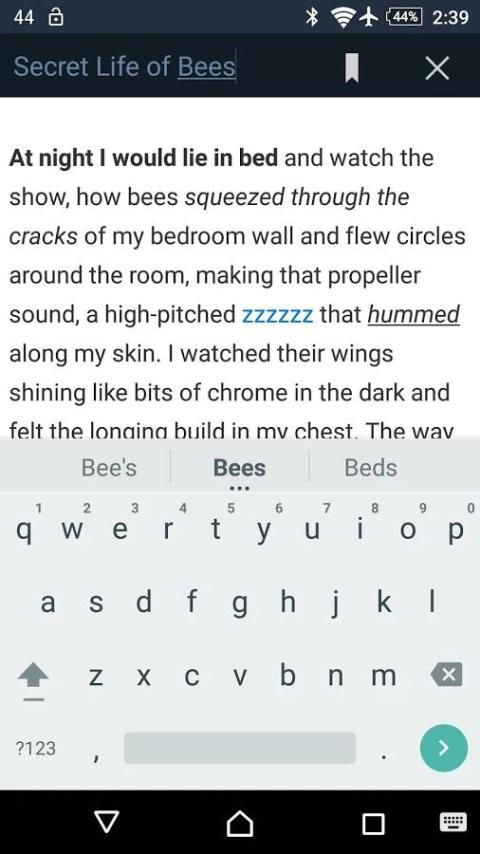
• Rich-text notes
• Simple drag and drop design
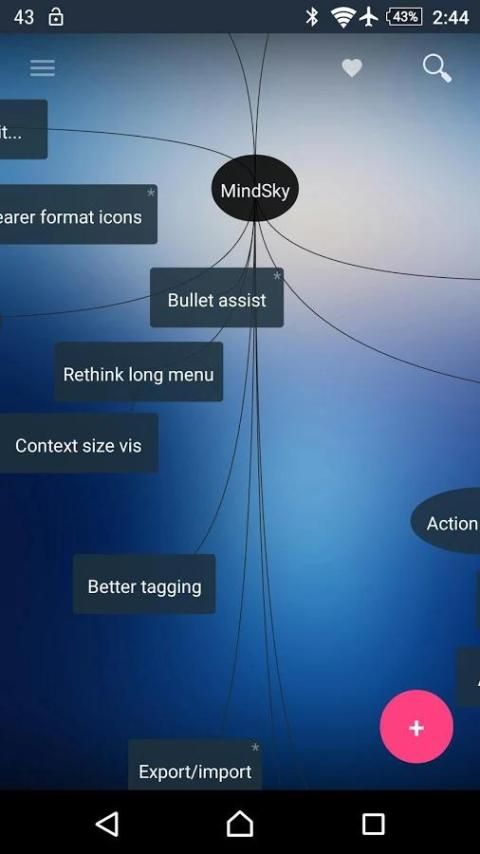
• Themes
• Auto-daylight option
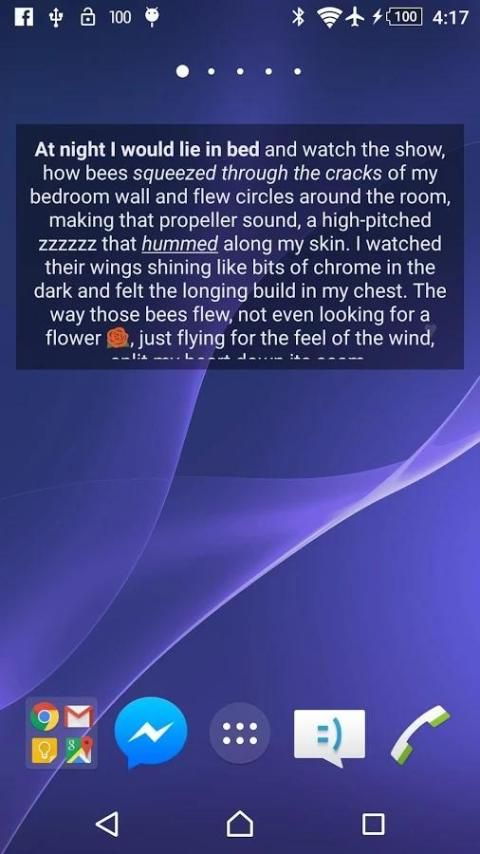
• Widget for notes on home screen. (Great for reminders.)
• Organize by tag
• Bookmark spots within notes (Currently being upgraded for mobile.)
• Record audio notes
• Geo-tagging: attach a location and find notes on the map
NOTE ABOUT SYNCING
Create a free account at:
http://mind.im
Synchronization runs on resume and when manually requested. There will be some future adjustments to that.
[For any page created on the web prior to Oct 4 2015 (and isn't on your mobile device): you can sync it by renaming it (same name will do), and to bring in its notes just move or edit them in some way.]
Audio and images are not sync'd. A future update will sync everything.
NOTE ABOUT BOOKMARKS
With the new rich-text model added in 1.2, bookmarks are currently being upgraded to work with the new model.
LANGUAGES:
• English, 日本の, Português, 中国(简体), Russian, more coming...
Please let me know about any odd translations, and if you would like your language added next.
BASIC USE
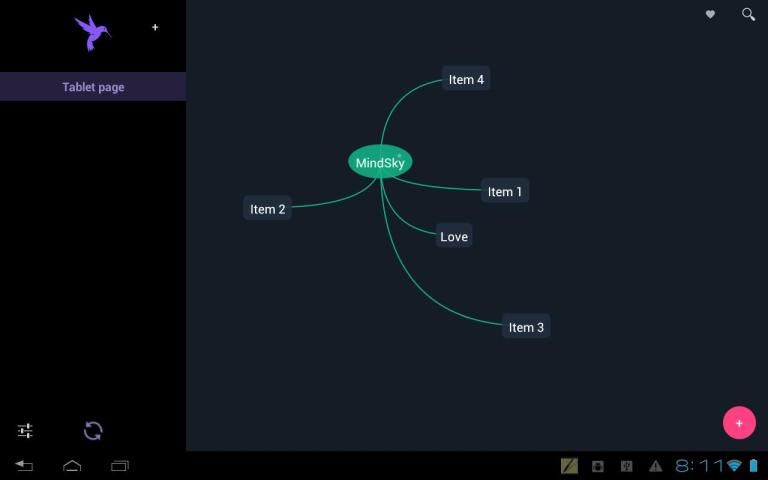
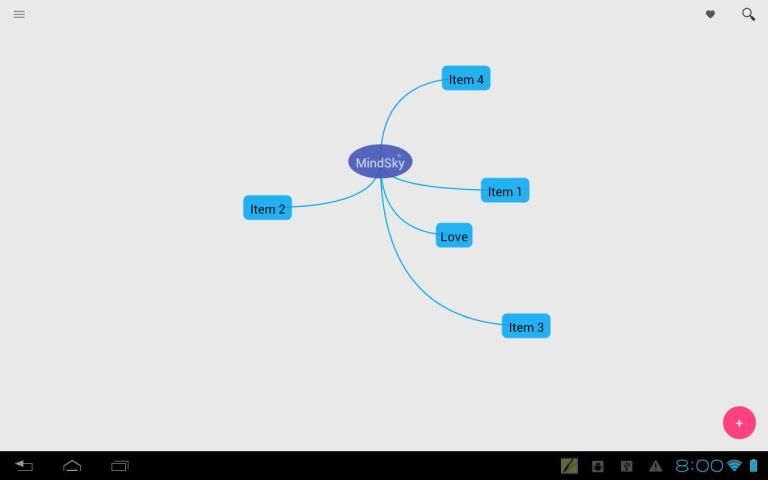
• Tap the pink button or LongPress the screen to create a new note. Touch outside of it to create it.
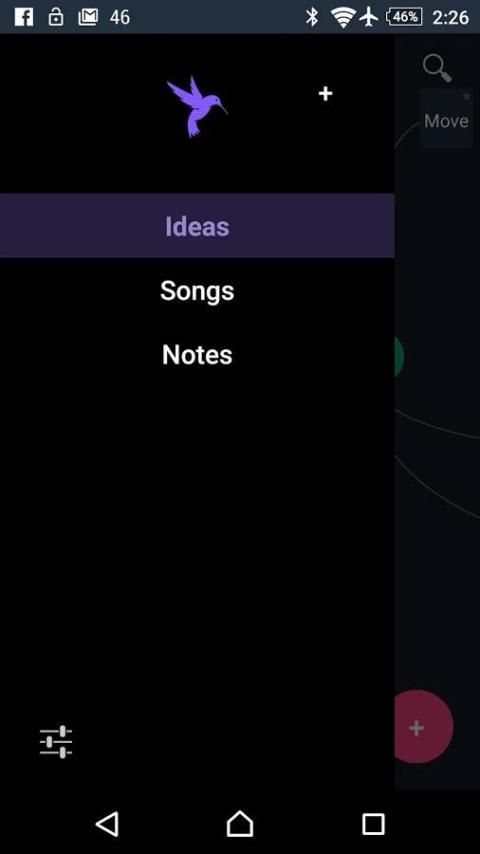
• Swipe from the left side to open the menu
• Tap any note to open and edit it
• LongPress notes for more options
AUDIO
Select "Record" from LongPress menu.
If audio exists it will open instead of text.
LongPress and select "Open" for text.
BLOG + WEBSITE PUBLISHING
Longpress page and select "Options" to publish a page as a Blog or Website.
More options on the web:
http://mind.im
USAGE TIPS
• Type "Bb " or "bb " at the start of a line to create a Bullet point. (differs from bullet-lists added in 1.2)
• LongPress the pink action button to select and tag multiple items.
• Tap the ♥ for a list of all items on a page. Or from the menu, tap the open page.
• In a brightly lit spaces, select a Light theme for visibility.
• "Home" Themes will use your home-screen background. Some backgrounds will look great and some won't!
KEYBOARD SHORTCUTS (for external keyboards)
------------->> Main <<-------------
Arrows: Move around
Shift+Arrow: Bigger move
~: Toggle menu
=: New item
Ctrl+T: Select/Tag
Ctrl+Q or type or F2: Search
Alt+Down: Cycle through visible items (Enter to open)
------------->> Editor <<-------------
Ctrl+Z: Undo
Ctrl+Y: Redo
Ctrl+B: Bold
Ctrl+I: Italic
Ctrl+U: Underline
Geo-tagging.
Option to geo-tag new notes.
Longpress ♥ to open map of notes with a location.
1.8.1
Fixed URL field sync from web.
Adjusted note title bar.
1.8
Sync now brings in pages from the web. See notes for details.
Renamed pages and tags sync appropriately.




9Apps 4.9










