










DOWNLOAD IS NOT SUPPORTED IN WEB STORE!
Use the latest version of 9Apps to download APK&OBB file of games in one click!
DOWNLOAD 9APPS

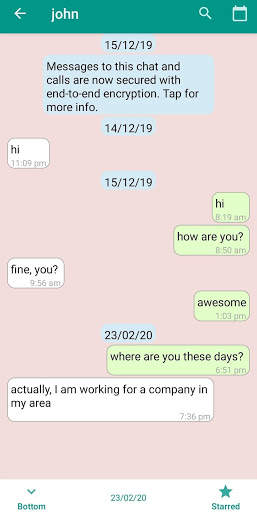
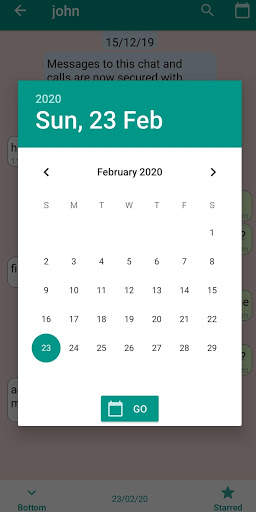
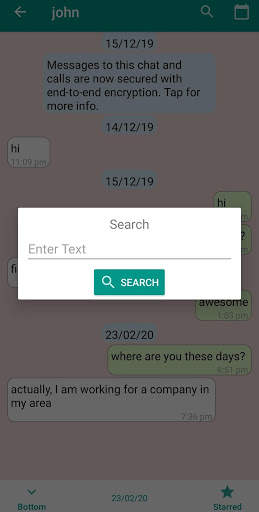
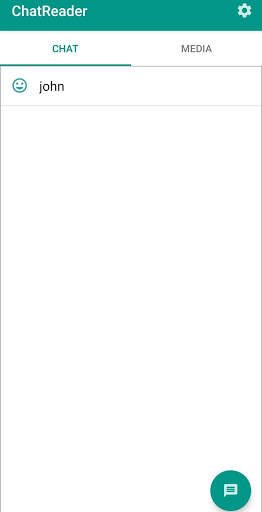
ChatReader reads exported chat of WhatsApp. It helps you to read messages and media in a structured manner.
How to export WhatsApp chat?
1. Open Chat in WhatsApp and click on three dots on upper right corner and click 'more' then 'Export chat'.
2. If you want to include your photos and videos then click on 'include media'.
3. Choose Google drive and enter all the details such as folder to export chat data. (It is recommended to create a new folder for each chat)
4. Download all these files to local folder, It contains chat's text file and media files such as Images and Videos.
How to read exported chat?
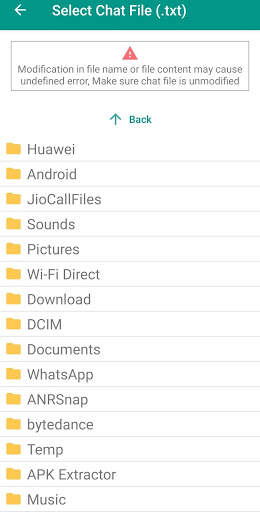
1. Click on button in the bottom right corner, Enter Name for chat or keep it 'Default' if you want Name to be retrieved from chat.
2. Select folder where chat is exported and click on 'Add Chat'


Fixed single blue message issue.


