









DOWNLOAD IS NOT SUPPORTED IN WEB STORE!
Use the latest version of 9Apps to download APK&OBB file of games in one click!
DOWNLOAD 9APPS

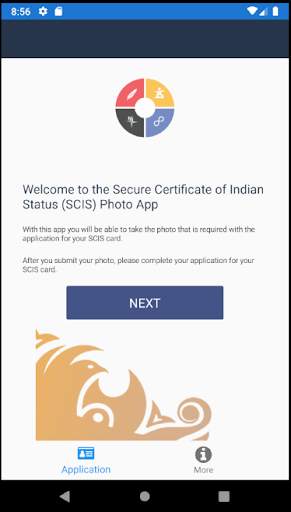
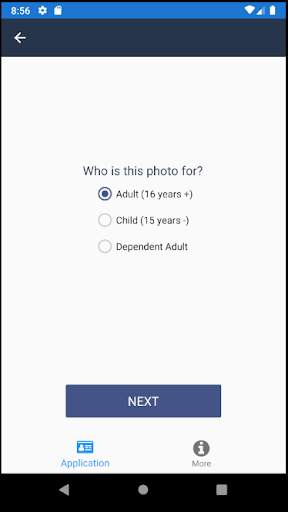
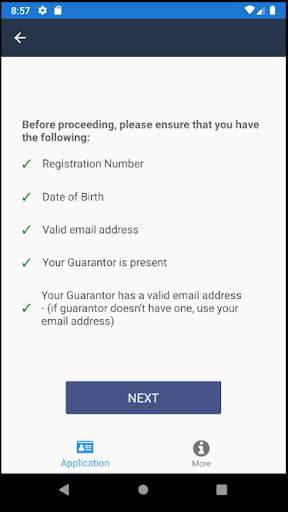
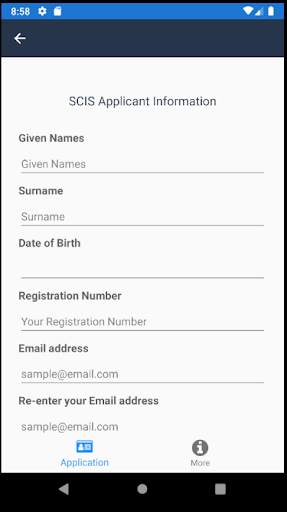
You can now take your own photo when applying for a Secure Certificate of Indian Status (SCIS) and submit it straight from your smartphone free of charge.
The SCIS Photo App eliminates the cost of photos and offers a convenient way to provide the photo required to apply for the secure status card.
To complete your SCIS application, you must submit a complete application (Form
83-172E
), a Guarantor Declaration (Form
83-169E
) and supporting documentation. To find out how to apply, visit
canada.ca/indian-status
.
Once your complete application and supporting documentation has been received, your photo will be linked with your application. You do not need to contact Indigenous Services Canada (ISC) to inform us that you have submitted your photo through the App.
All information provided through the SCIS Photo App is encrypted. The collection and use of personal information is in accordance with the
Privacy Act
.
You must be registered as a Status Indian under the
Indian Act
to get a status card. If you are not registered, you must apply for registration and have your registration number available before using the SCIS Photo App.
The SCIS Photo App cannot be used to submit your photo to apply for the laminated Certificate of Indian Status (CIS).
The SCIS Photo App may not work on devices other than smartphones, such as iPads and tablets. The use of the SCIS Photo App on iPads and tablets will be optimized in the future.


![Blade Runner Bliss: PURE Ambient Cyberpunk Music - Ethereal Sci Fi Music [ULTRA RELAXING] screenshot 4](https://i.ytimg.com/vi/4FhsjQ2xess/mqdefault.jpg)


