

DOWNLOAD IS NOT SUPPORTED IN WEB STORE!
Use the latest version of 9Apps to download APK&OBB file of games in one click!
DOWNLOAD 9APPS

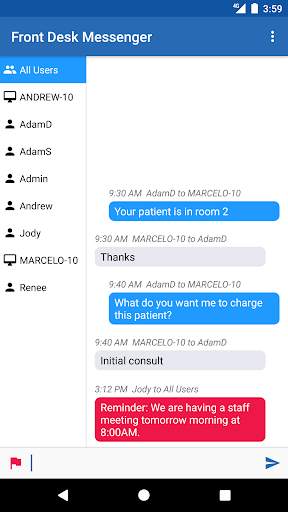
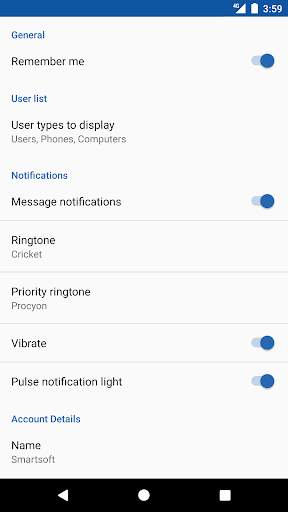
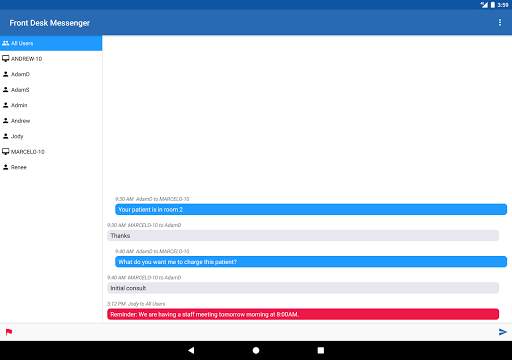
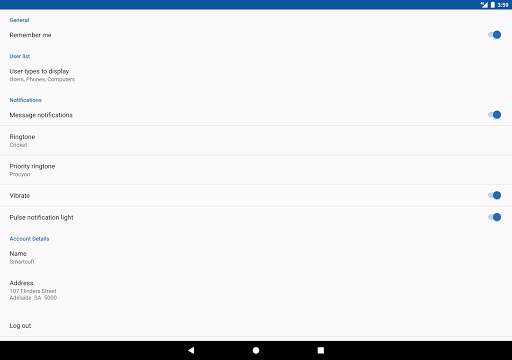
Front Desk Messenger is an office messaging system integrated in the Front Desk - Practice Management System. This Android version allows you to use your compatible Phone or Tablet device to join the Front Desk Messenger conversations between staff and practitioners when either in or out of the office.
To set up an Android user in Front Desk, select System Information from the File menu, then go to the Messenger tab and click the “Authorised IOS/Android Users” button. This will open an “Add Front Desk Messenger User” window. Click the “Add User” button to enter the Display Name, Email Address, and Password required.
This application is for registered users of the Front Desk - Practice Management System.




ShopClues
3.816.4MB

Facebook Lite
4.02.5MB

Dearmet: Video Chat, Live Talk
4.043.4MB

Temple Run 2
4.4122.1MB

Candy Crush Saga
4.491.1MB

Stickman Fighting
3.059.6MB

Quikr – Search Jobs, Mobiles,
4.120.8MB

imo beta -video calls and chat
4.394.0MB

Offline Music Mp3 Player- Muso
4.535.9MB

Talking Tom
3.963.0MB