
DOWNLOAD IS NOT SUPPORTED IN WEB STORE!
Use the latest version of 9Apps to download APK&OBB file of games in one click!
DOWNLOAD 9APPS
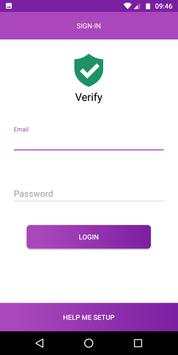
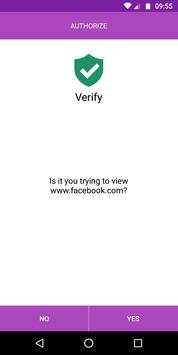
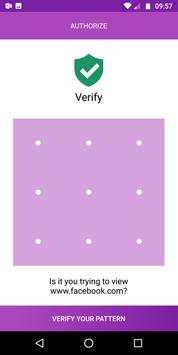
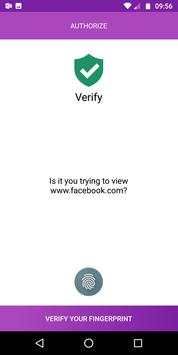
This application aims to add a security layer for your important sites you visit using your chrome browser.
The plugin will prompt a authorisation screen on your linked mobile device when trying to view website added to verify list.
Upon successful authorisation the user will be allowed to the website.
An unsuccessful authorisation will leave the user blocked on the error page.
Installation:
Install the verify chrome extension like any other by just clicking on Add to Chrome button.
https://chrome.google.com/webstore/detail/verify/moohdfjahoapangnfpdciifockpafcnd
Signup with an email account.
Login to your account.
Login to the android app with same account that you created earlier.
Once logged-in the linked device will start showing up under settings for your chrome extension.




- Minor UI Fixes
- Optimized



Quikr – Search Jobs, Mobiles,
4.120.8MB

ShopClues
3.816.4MB

Talking Tom
3.963.0MB

Dearmet: Video Chat, Live Talk
4.043.4MB

Facebook Lite
4.02.5MB

Temple Run 2
4.4122.1MB

Stickman Fighting
3.059.6MB

Candy Crush Saga
4.491.1MB

imo beta -video calls and chat
4.394.0MB

Offline Music Mp3 Player- Muso
4.535.9MB