








DOWNLOAD IS NOT SUPPORTED IN WEB STORE!
Use the latest version of 9Apps to download APK&OBB file of games in one click!
DOWNLOAD 9APPS
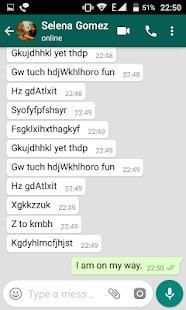
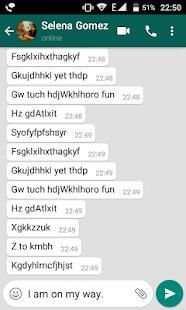
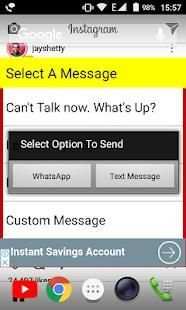
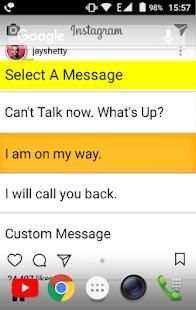
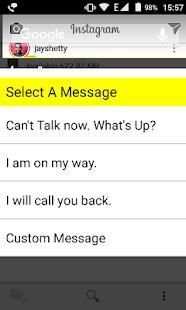
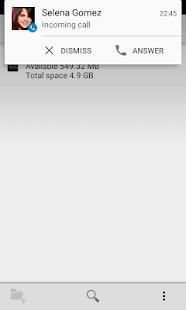
You are busy in meeting or you may be driving or you may be in lecture. You receive an incoming call, but you can't receive it. Simply drop a message to the caller using our apps options.
We allow users to send a message to callers using SMS and also the world's biggest internet messenger (WA). The app is unique in its own way.
How to use:
1. Install the app 'Reject Calls With Message'.
2. Open the app 'Reject Calls With Message' and read instructions.
3. When you receive a call, reject the call.
4. A pop up appears with a list of messages.
5. Select the message you want to send. You can even send a custom message of your choice.
6. Now select how you want to send a message. You can make your choice as default by going into the app.




Send Messages in case you don't want to receive call


