











DOWNLOAD IS NOT SUPPORTED IN WEB STORE!
Use the latest version of 9Apps to download APK&OBB file of games in one click!
DOWNLOAD 9APPS


Note: A genuine PICKIT printer is required to print using this application. Please contact sales@prinics.com for more details.
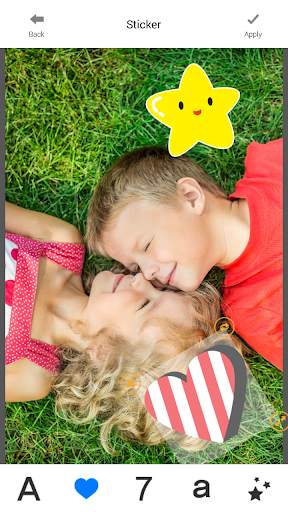
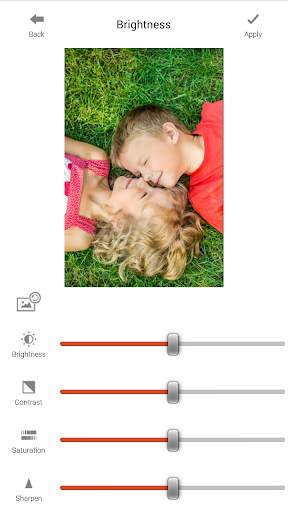
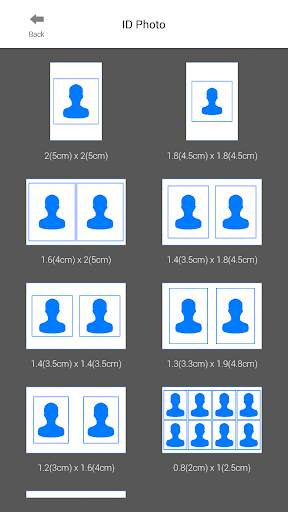
Easily print amazing photos with the PICKIT printer via WiFi-Direct or WiFi using this application.
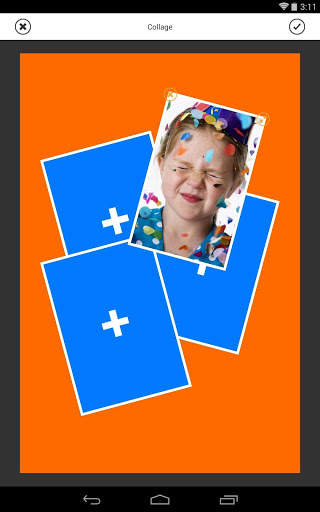
The "PICKIT" photo printer can be used to print images from smartphones by NFC tag scanning (*NFC enabled device ONLY). For non-NFC featured smartphones, simply print via Wi-Fi. You can take and edit pictures on smartphones or tablets. This portable PICKIT printer will instantly print your precious moments.
1. Turn on the printer.
2. Tap your smartphone on the NFC tag or manually connect to the WiFi (DIRECT-Cube-xxxx)
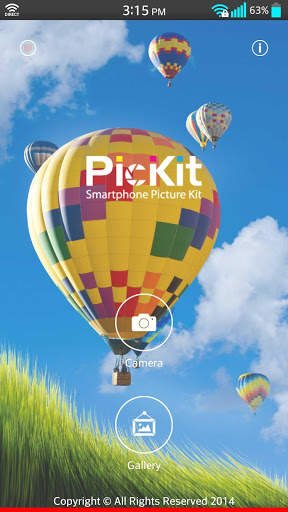
3. Select an image from the Gallery or take a photo with your smartphone.
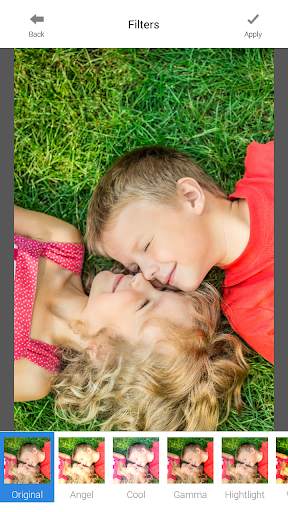
4. Once image has been selected, edit the image with your personal preference.
5. Now press print when editting is completed.
6. When you print for the first time, it may need to update the firmware. Please follow the instruction shown on the screen of your smartphone.
7. I will take about a minute to fully print. Please do not pull the photo until it is completely printed.
Thank you for purchasing PICKIT photo printer.
For more product information, please visit www.prinics.com
- Bug fixes


