












DOWNLOAD IS NOT SUPPORTED IN WEB STORE!
Use the latest version of 9Apps to download APK&OBB file of games in one click!
DOWNLOAD 9APPS

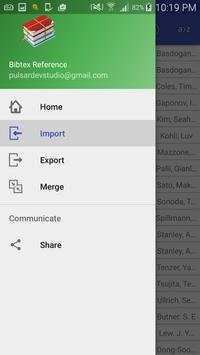
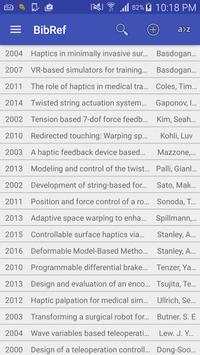
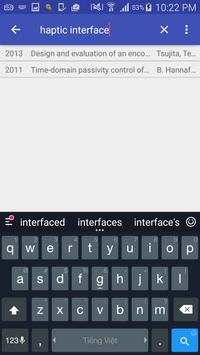
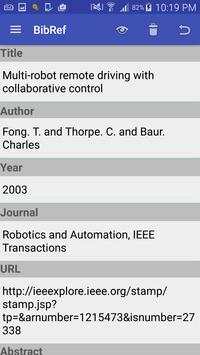
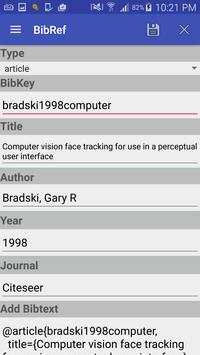
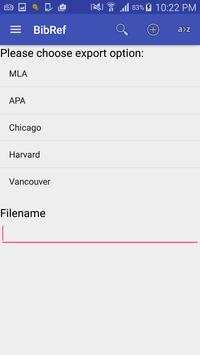
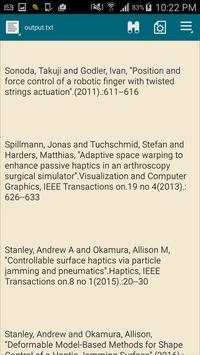
BibRef is an easy-to-use BibTeX android application for reference management, simply get bibtex and add to the list. You can browse, edit your bibtex reference in the same way as JabRef. The bib file can be easily shared via network and used for writing biography in your thesis/paper later on. For one who doesn't use Tex for your paper, BibRef offers a function to export to various type of citation standard and use it in your favorite program. Also, you can search, sort and directly open the url for the reference from BibRef.
Main features:
- Manage reference as list.
- Import reference from .bib file into BibRef, make it possible to synchronize with reference list in PC, using Jabref for instance, and also, use the bib database later on for thesis/paper writing with Latex.
- Manually add/remove reference from list. Automatically add reference information from bibtex (possibly download from scholar.google.com) with BibRef's friendly user interface
- Sort/search your reference by author, title & published year.
- Export reference to text file for different standard, easily and useful for users who do not use bibtex.
- Share your reference via network.
Planned features:
- Synchronize with Dropbox, Google Drive
- Automatically search and get bibtex for paper by title.
- Support export function for EndNote, RefMan, RefWorks.
- Support separate tabs for difference bibtex database.
Any question regarding bugs/request features of BibRef, please kindly send to pulsardevstudio@gmail.com.
Thanks!!!!!
Fixed minor bugs


